Blog posts
A blog post is a dated article with a title, a banner picture, a category and optional tags. You use posts to share news, tips and stories. Visitors read them on your website and filter them by category or tag.
In simple words: Write the article, pick a category, click Create, then click Publish to make it live.
INFO
Blog Posts need the Blogs plugin. Create categories first. See Categories and tags.
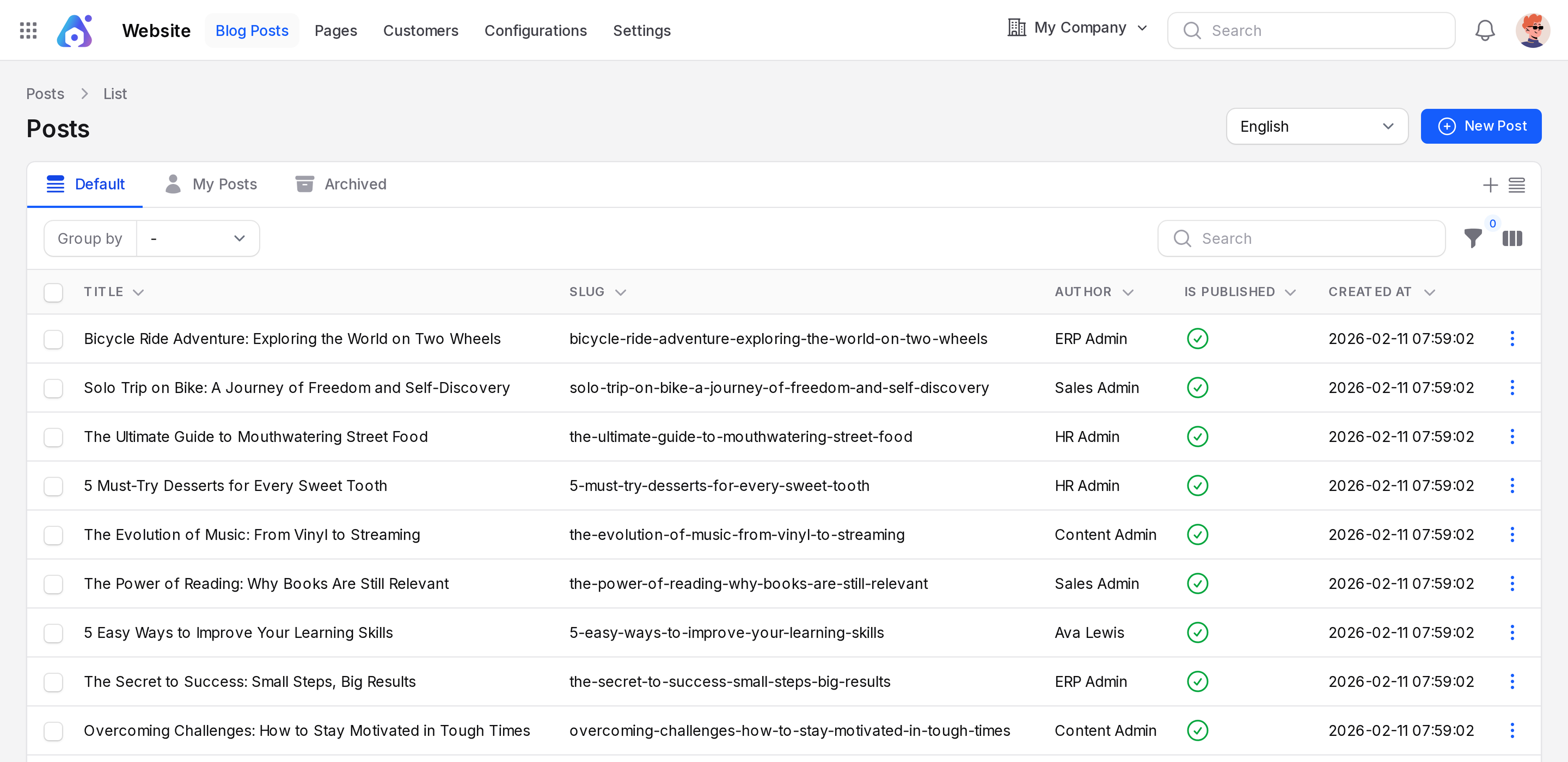
Open Website → Blog Posts.
Overview
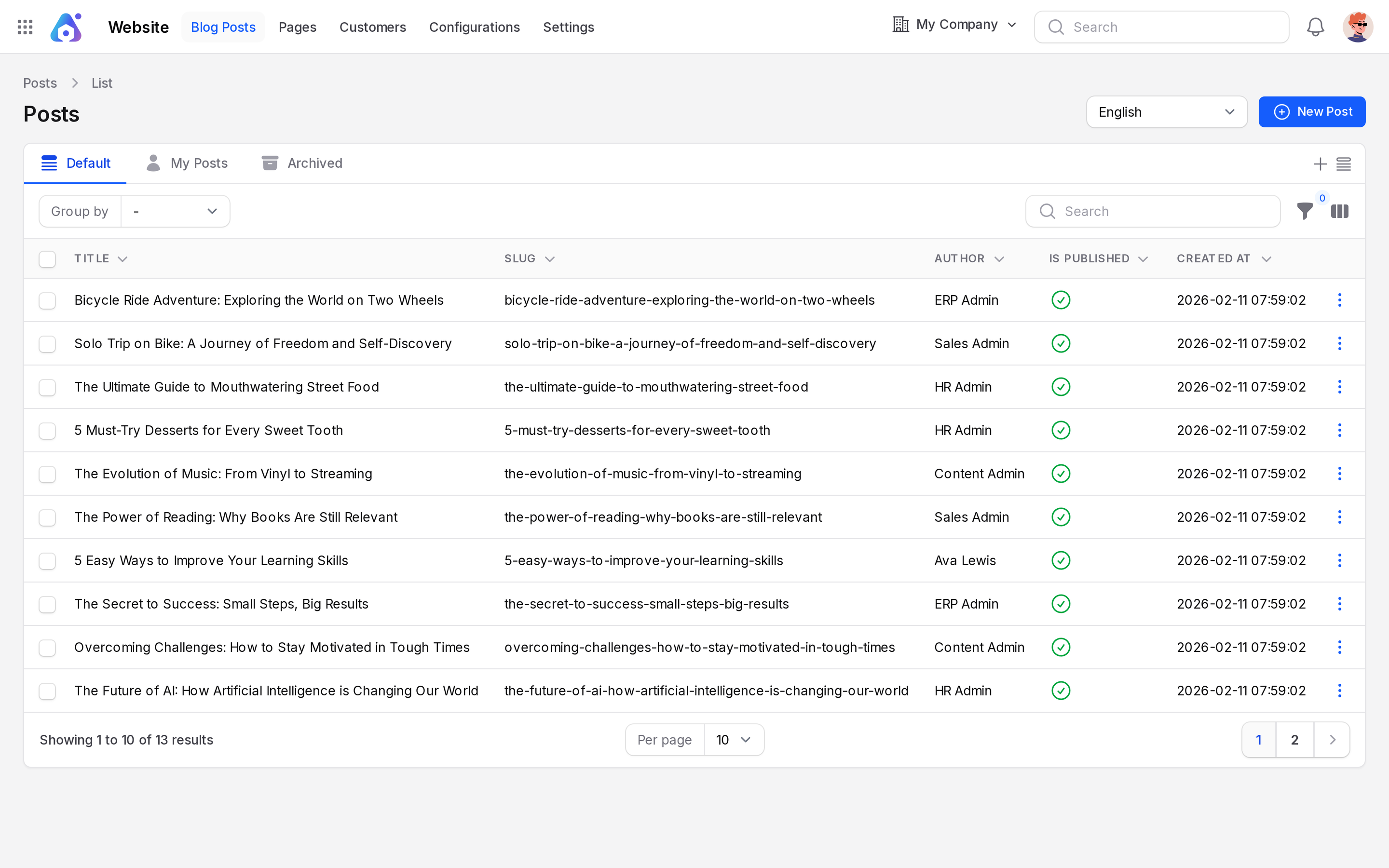
- Button: New Post.
- Tabs: Default, My Posts and Archived. My Posts shows what you wrote.
- Columns: Title, Slug, Author, Is Published, Created At.
- Hidden columns: Category, Created By, Updated At.
- Group by: Category, Author, Created At.
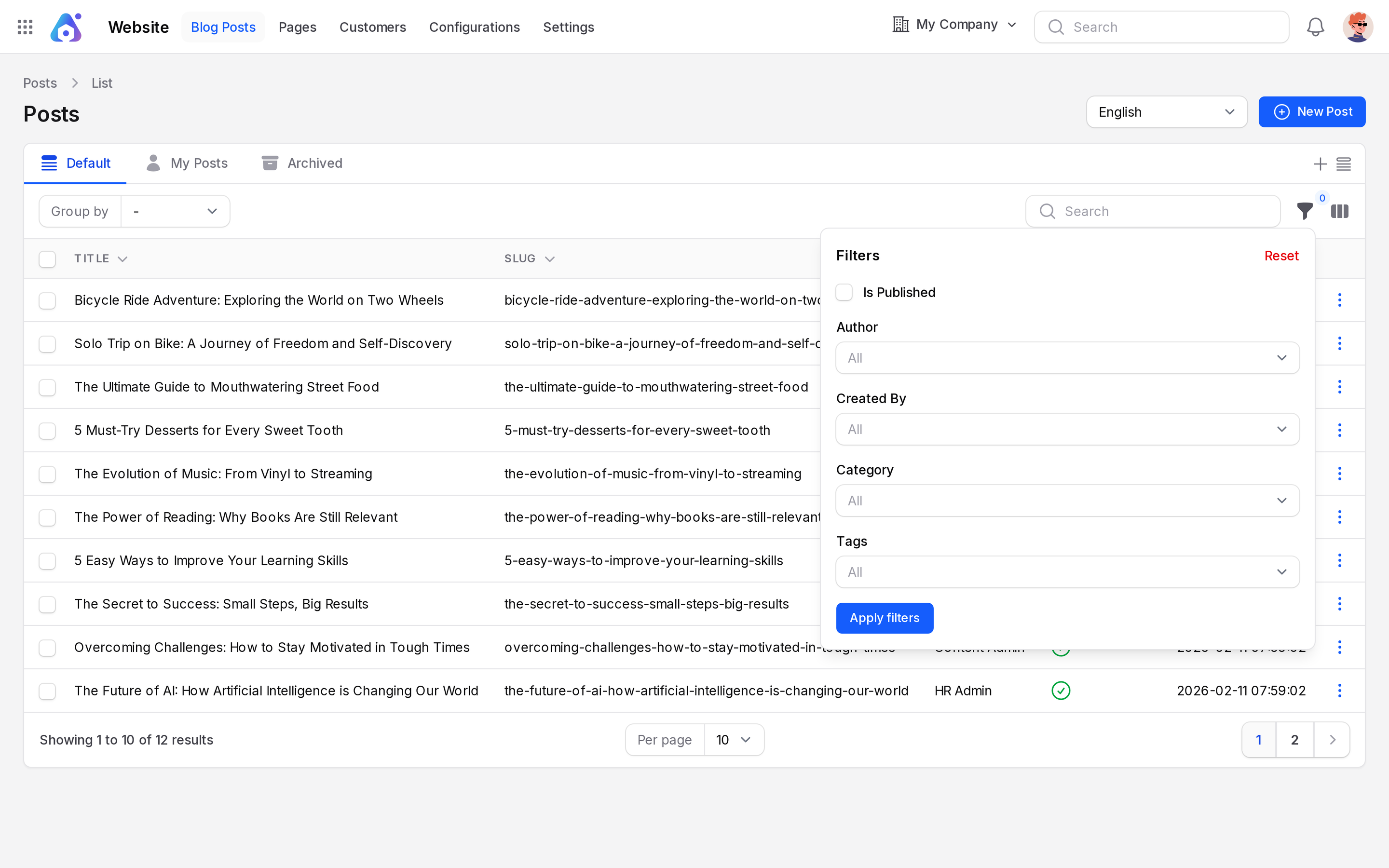
- Filters: Is Published, Author, Created By, Category, Tags.
Create a blog post
Scenario: write Cloud ERP: Why Small Teams Are Switching in the category The Knowledge Vault with the tag Learn and Grow.
- Open
Website → Blog Postsand click New Post.
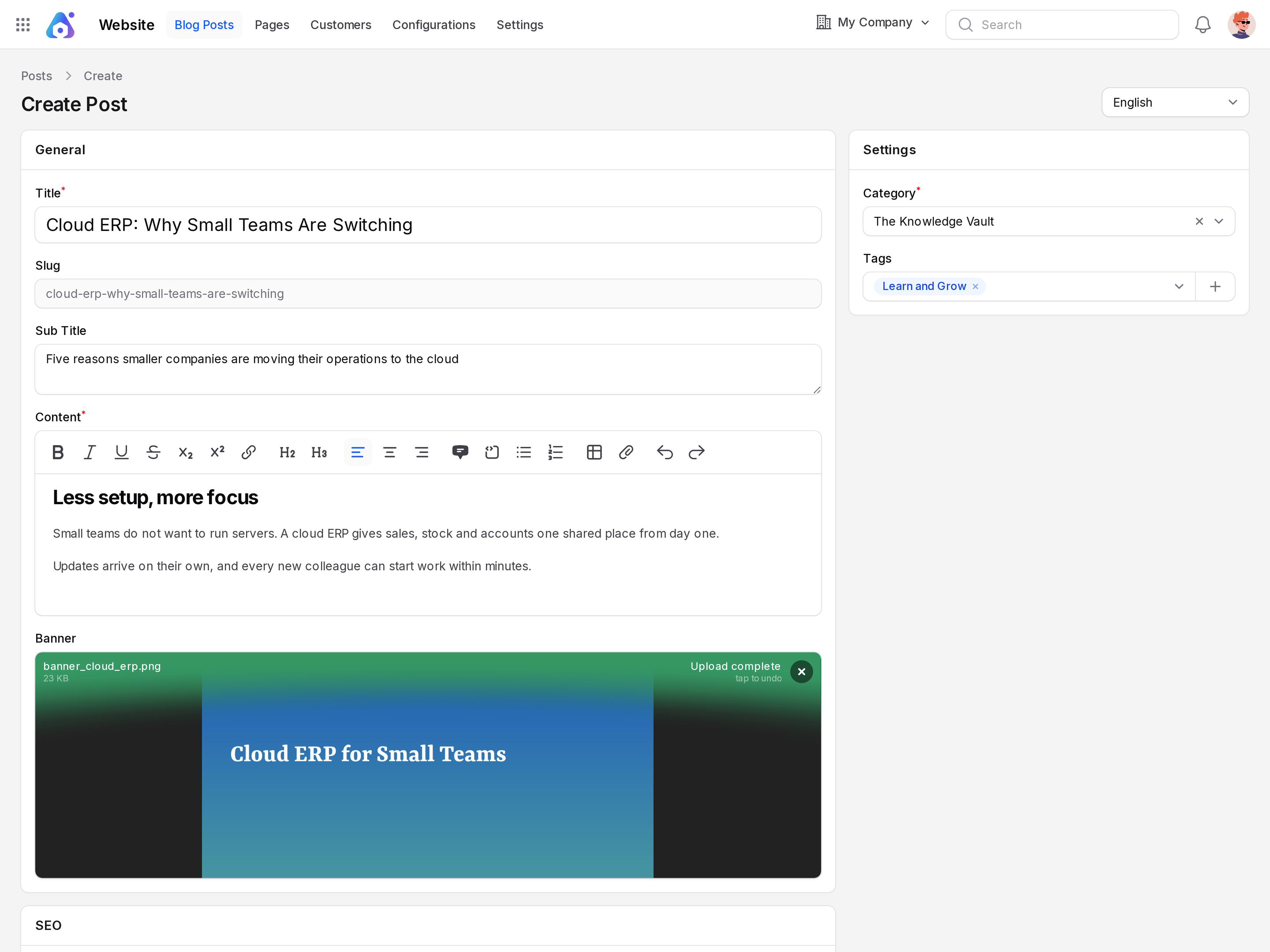
General
- Fill in the General section.
- Title: Required. The headline, for example
Cloud ERP: Why Small Teams Are Switching. - Slug: Built from the title. Aureus locks it after you save. It becomes the post address.
- Sub Title: A short line that explains the post. It shows under the headline.
- Content: Required. The article body. Use the editor for headings, lists and links.
- Banner: The main picture. Upload an image file.
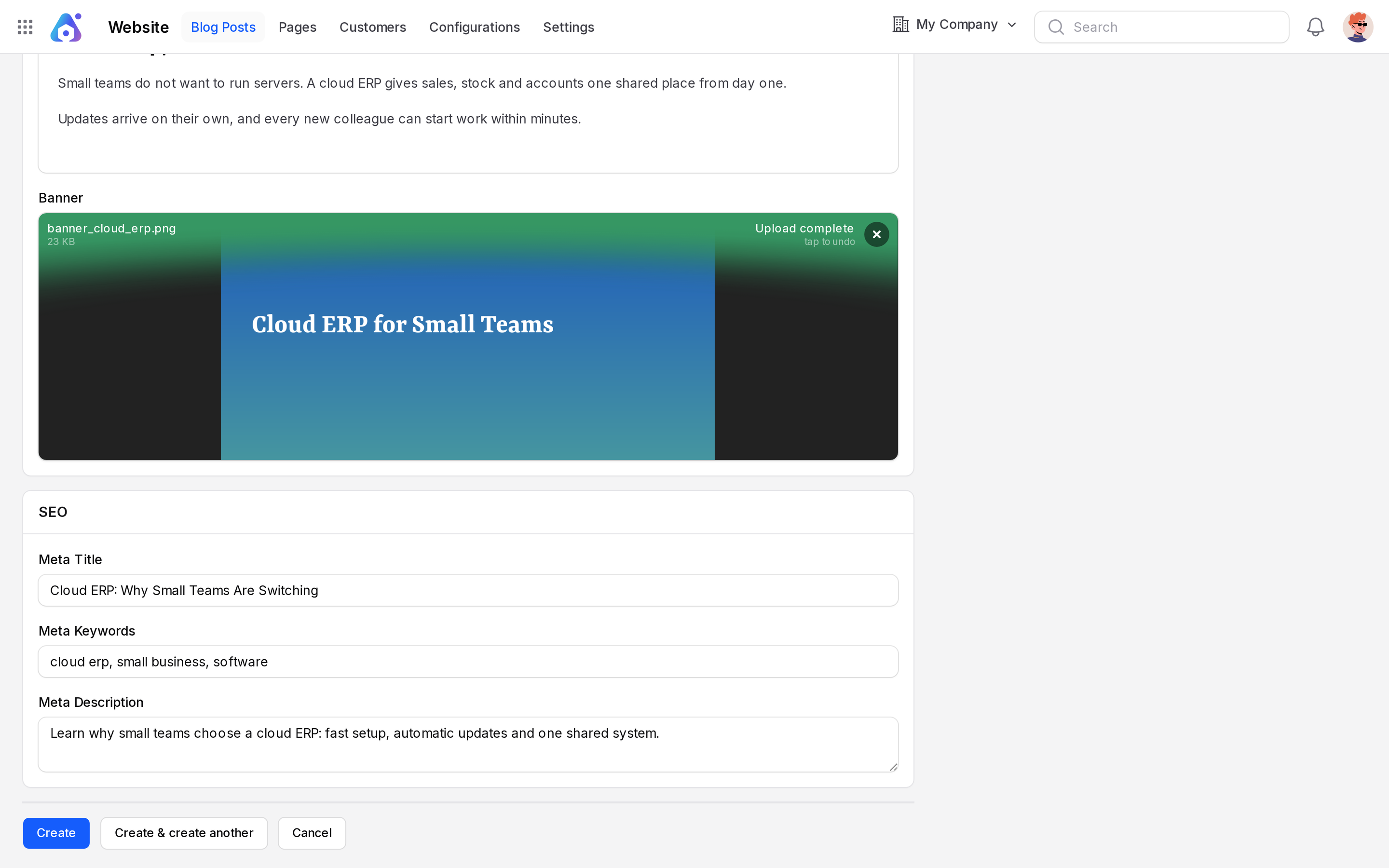
SEO
- Open SEO and fill the optional fields.
- Meta Title: A short headline for search results.
- Meta Keywords: Comma separated words, for example
ERP, cloud, small business. - Meta Description: A one or two sentence summary.
Settings
- Open Settings.
- Category: Required. Pick one, for example The Knowledge Vault.
- Tags: Pick one or more, for example Learn and Grow. Type to search.
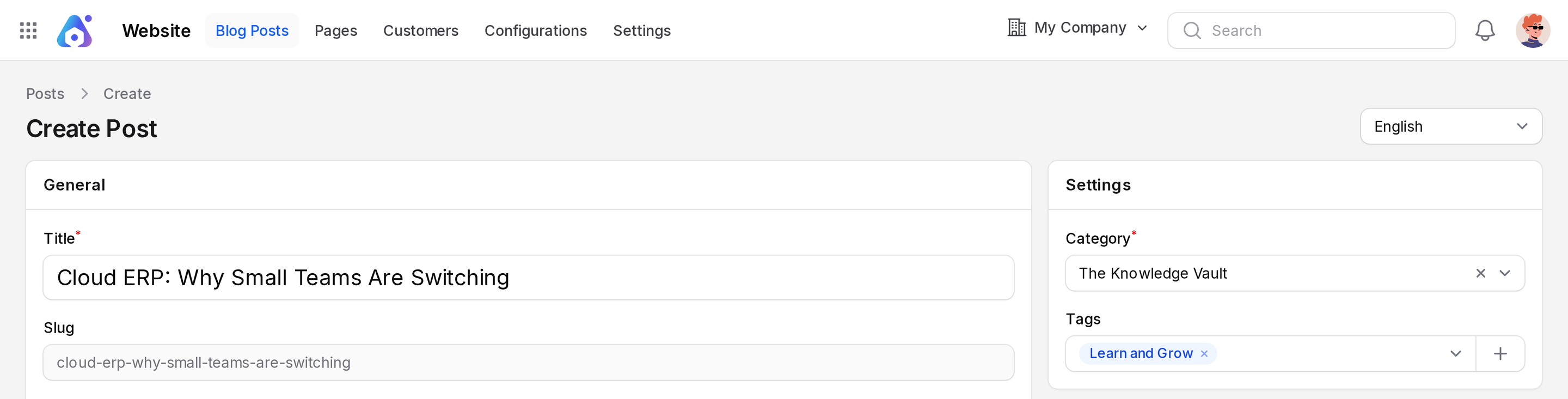
You do not choose the author. Aureus uses the user who is logged in.
Create a tag on the spot
If the tag does not exist, use the create option in the Tags field. Enter a Name and pick a Color. Save the small form and the new tag is selected.
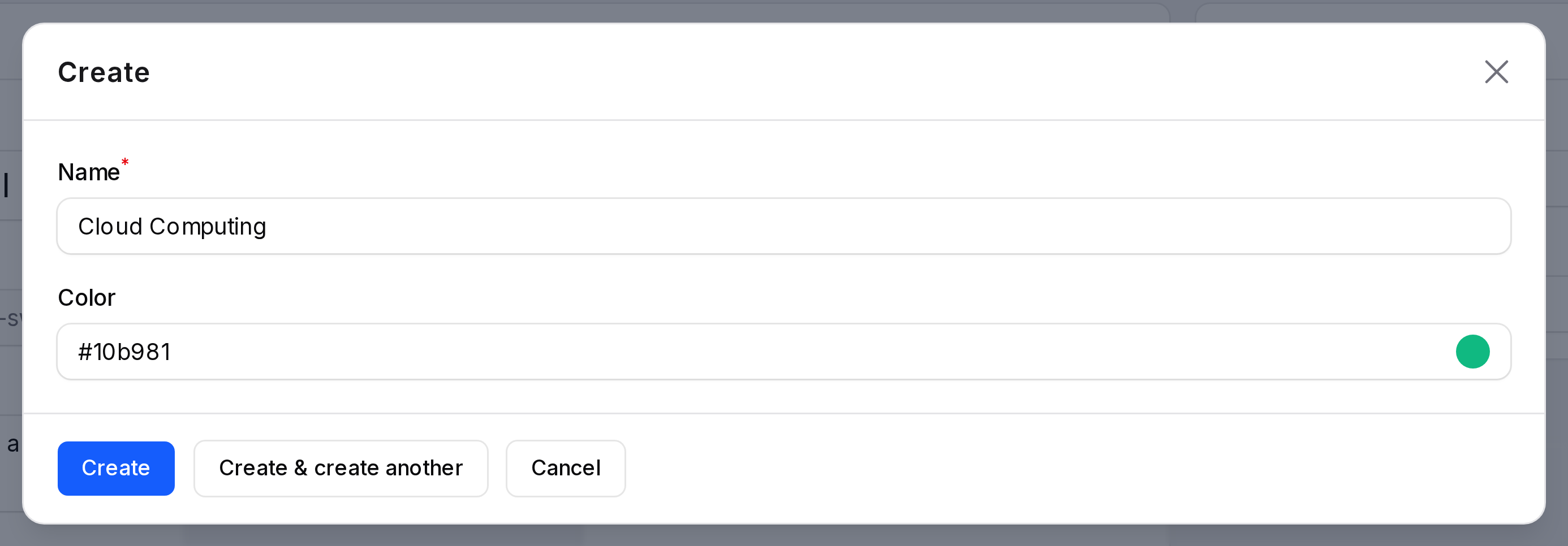
- Click Create. Create & create another saves and opens a blank form. Cancel leaves without saving.
Aureus shows Post created. The post is a draft.
Actions and statuses
On the edit page, the header shows these buttons.
| Button | What happens | Message |
|---|---|---|
| Publish | Post goes live. Shown while the post is a draft. | Post published |
| Set as Draft | Post is hidden again. Shown while published. | Post set as draft |
| Delete | Post moves to Archived. | Post deleted |
Saving edits shows Post updated.
Create → Draft → Publish → Published → Set as Draft → Draft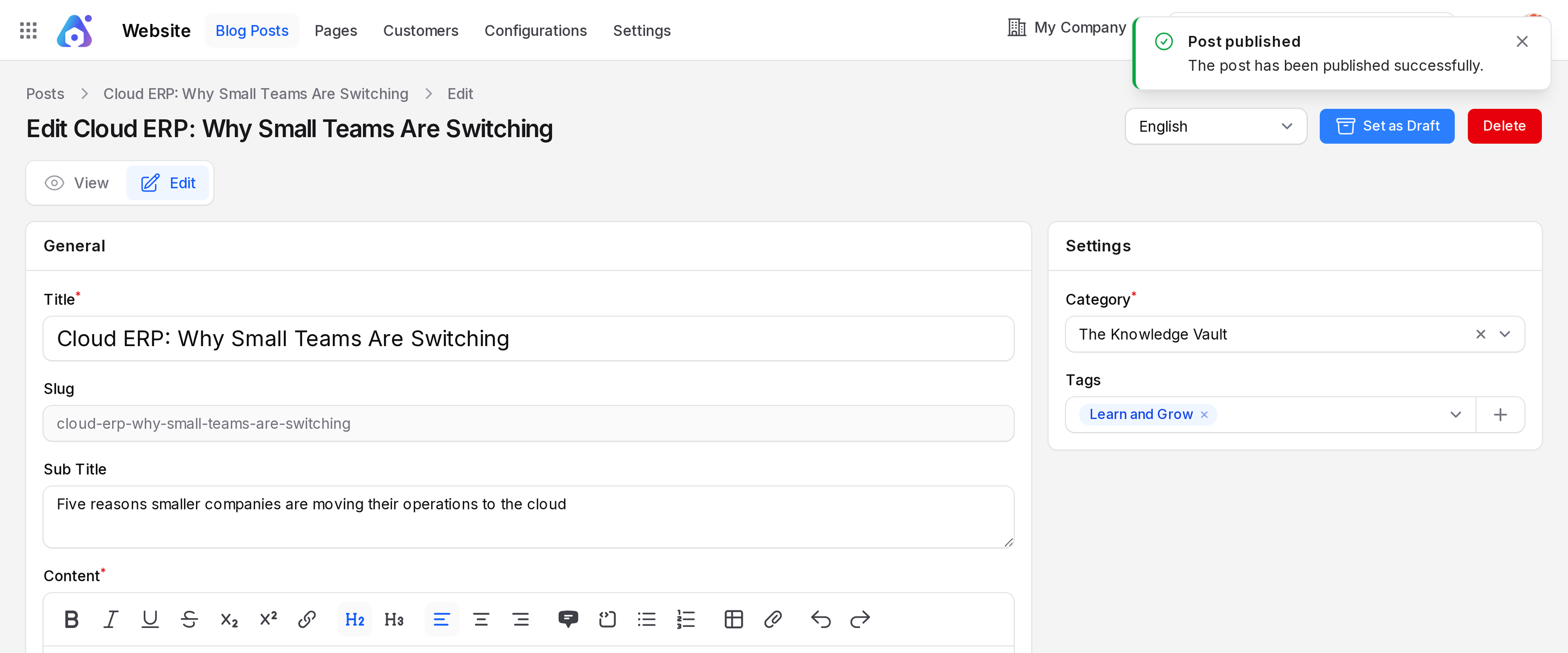
WARNING
A new post is not on the site until you click Publish.
What the visitor sees
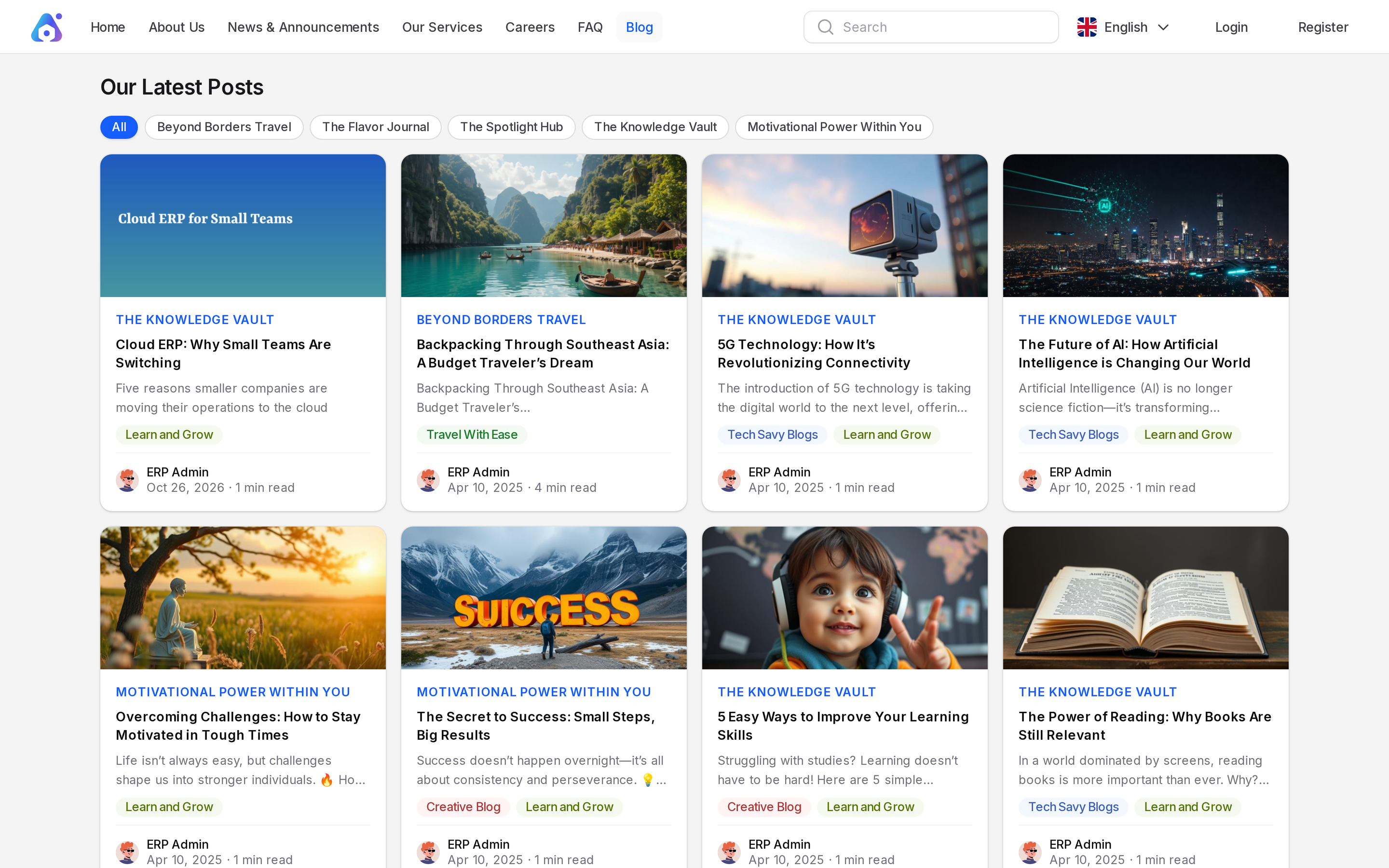
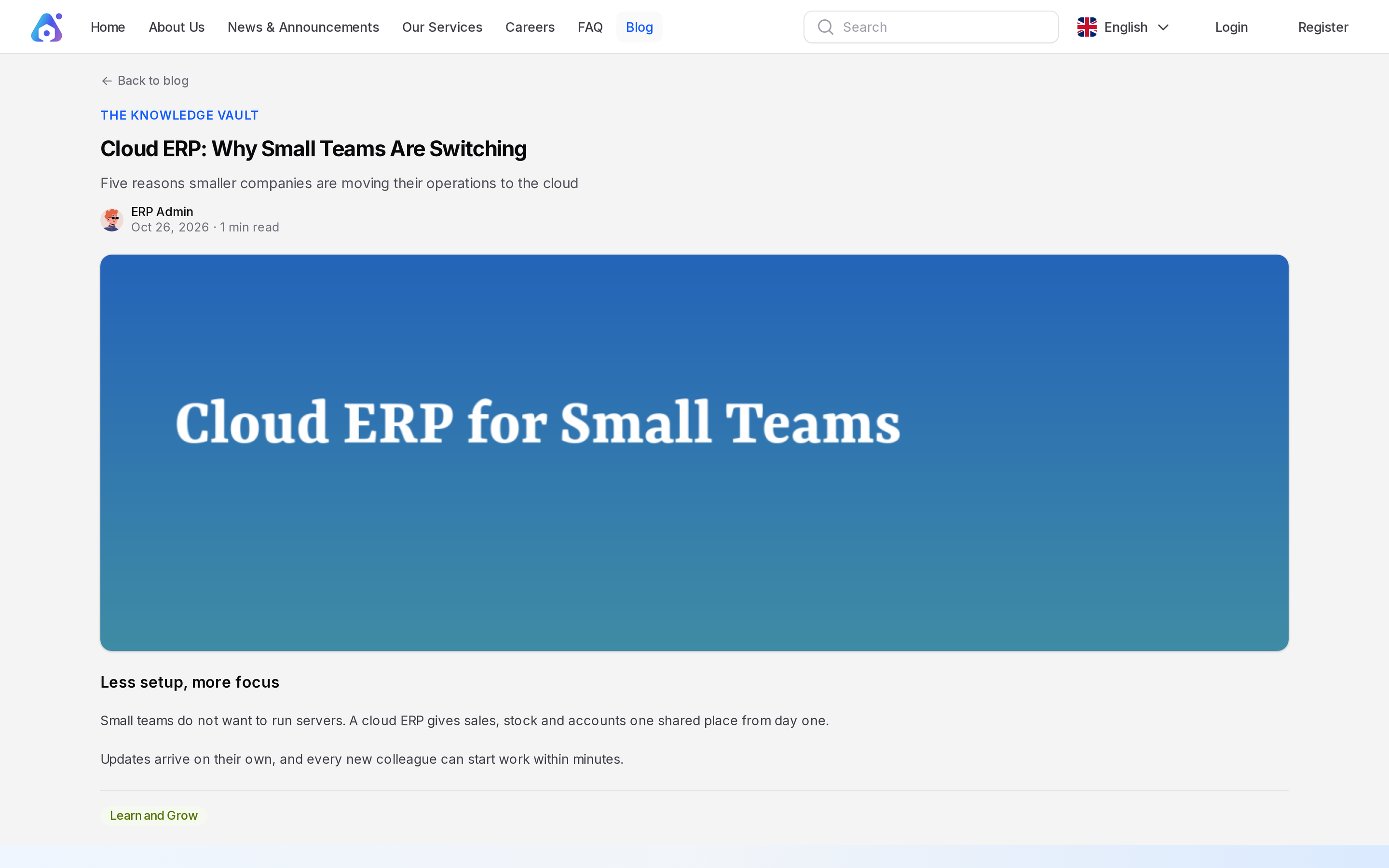
Published posts appear on /blog under Our Latest Posts. Each card sits in its category. Newest posts come first, nine to a page. Clicking a card opens the post page. It shows the banner, the content, the tags, the author, the date and the reading time.