

BoM variants
Some products come in variants, such as different colours or sizes. One BoM can serve all of them. You mark the components and steps that apply only to certain variants. Everything you leave unmarked applies to every variant.
In simple words: Apply on Variants lets one BoM build several versions of a product.
Open Manufacturing → Products → Bills of Materials.
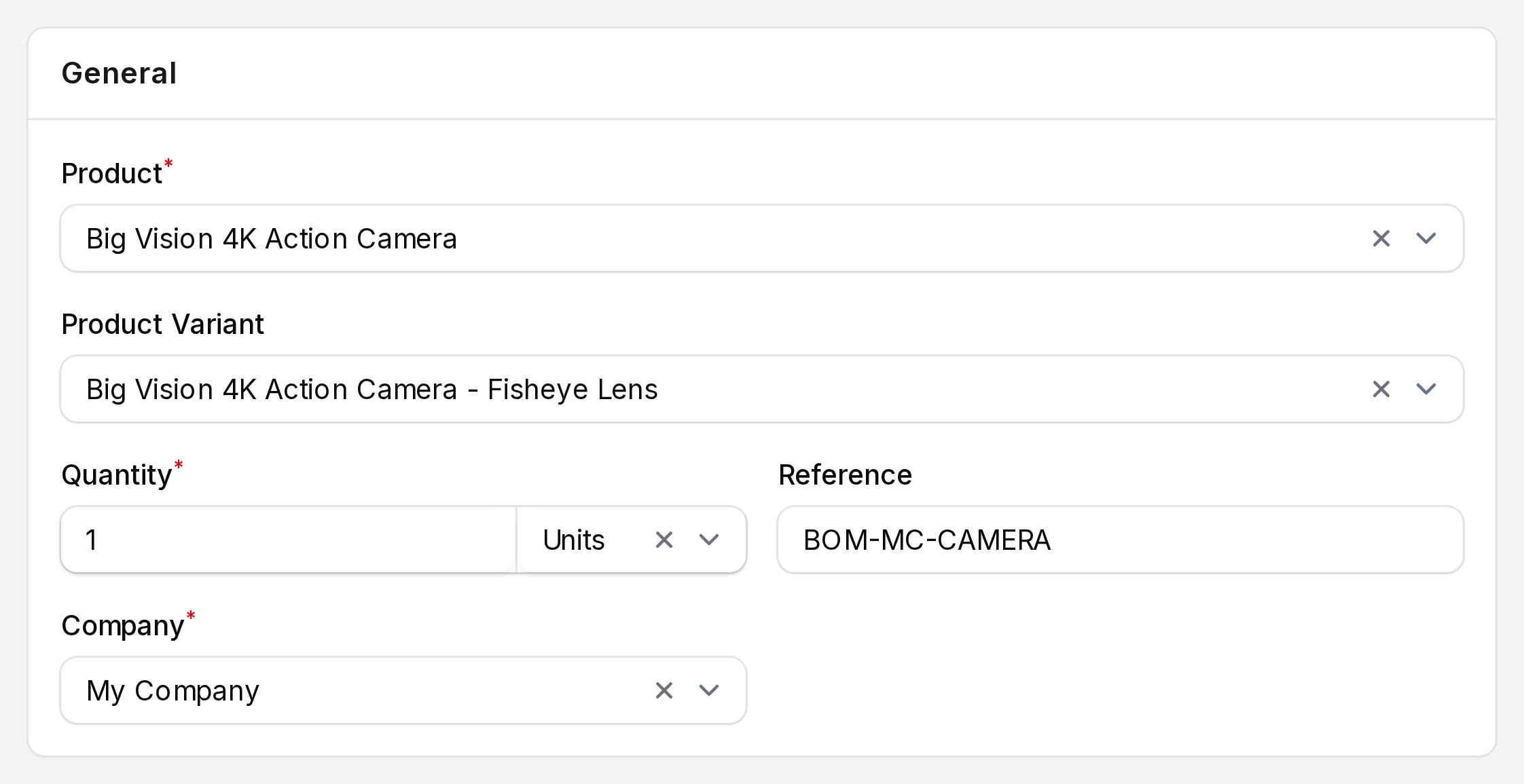
Product Variant on the BoM
On the BoM form, Product is the main product. Product Variant lists the variants of that product. Pick one when the BoM is meant for a single variant. Choosing a variant also loads the unit of measure and company from it.
Apply on Variants
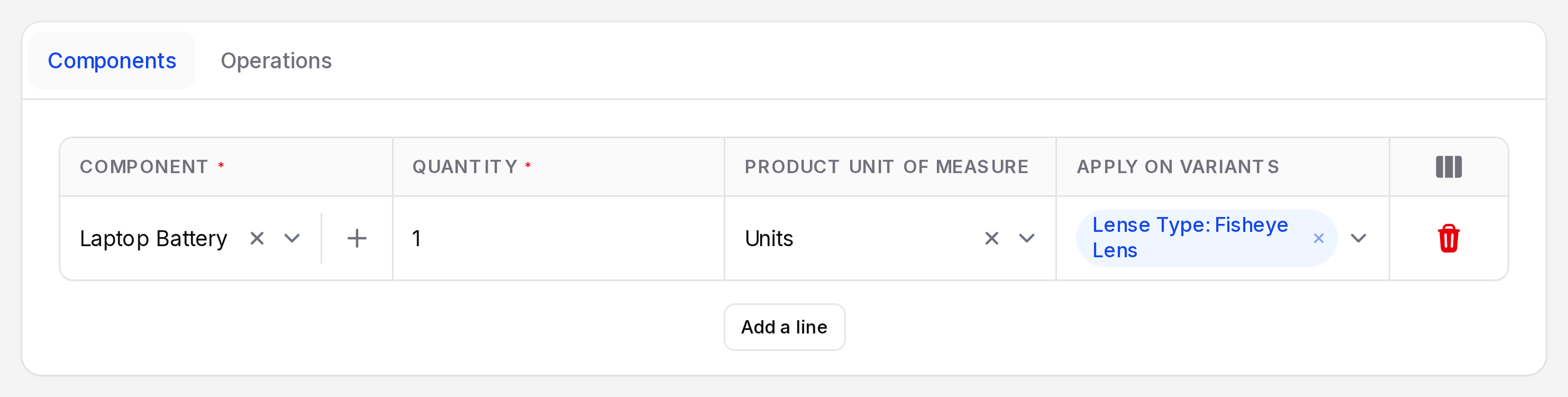
The Apply on Variants column is optional on the Components tab and the Operations tab. Show it from the column toggle.
- Choose one or more variant values, such as a colour.
- Leave it empty: the line is used for every variant.
- Fill it: the line is used only when the order is for a variant that has all the chosen values.
You can also set Apply on Variants on the operation form. The list shows only the values of the BoM product. See Operations.
Example
A laptop comes in Silver and Black. Both use a Motherboard, so leave its Apply on Variants empty. Set Laptop Chassis to the colour value for each variant. A Black order then picks the black chassis only.
INFO
Variant matching needs a product with variant values. Business Laptop in the sample data is a single product, so every line applies to it.