

Departure reasons
A departure reason records why a person left the company, such as Resigned or Retired. You choose it on the employee when they leave. Keeping a fixed list lets you compare reasons over time.
In simple words: A departure reason is the answer to "why did this person leave?"
Open Employees → Configurations → Departure Reasons.
Prerequisite
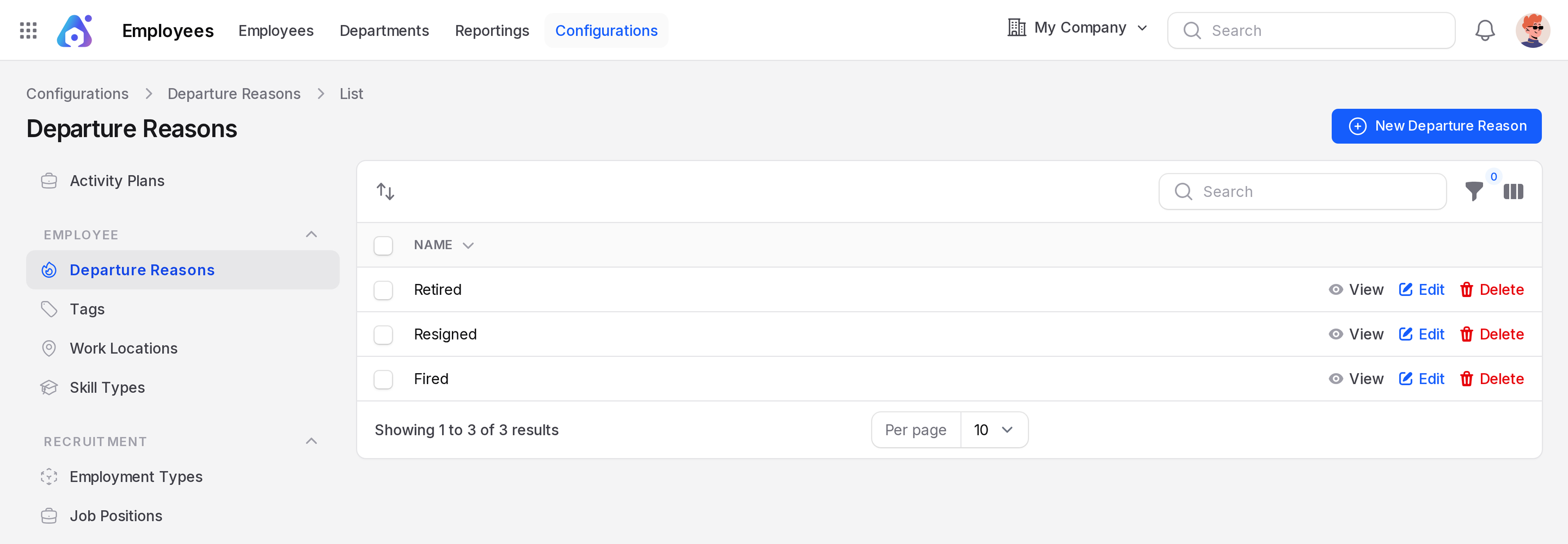
None. The sample data has three reasons: Retired, Resigned and Fired.
Overview
The list has one column, Name. Drag the handle on a row to change the order. A filter panel and search help you find a reason.
Create a departure reason
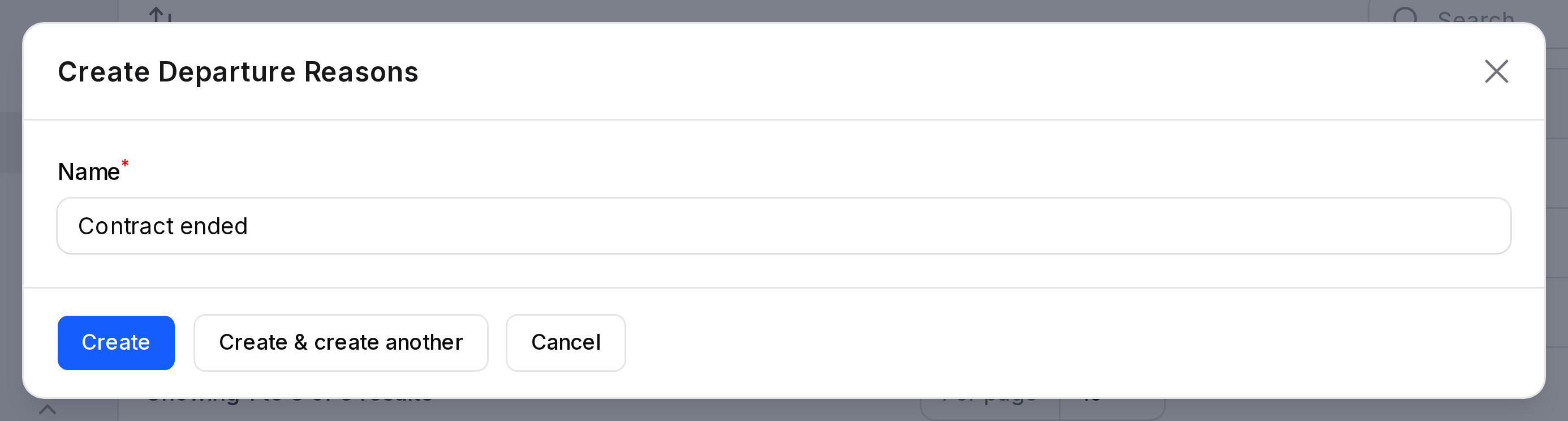
This example adds Contract ended.
- Open
Employees → Configurations → Departure Reasons. - Click New Departure Reason. A window opens.
- Fill in the form.
- Name: Required. Type
Contract ended.
- Click Create.
Where departure reasons are used
On the employee form, open the Settings tab and choose a Departure Reason. Two required fields then appear: Departure Date and Departure Description.
You can group the employee list by Departure Reason.
TIP
The plus button next to the field on the employee form also creates a reason.
Edit or delete
Click Edit on a row to rename it. Click Delete to remove it.