

Bank accounts
A bank account record stores the account number of a partner and the bank it belongs to. You use it when you pay a vendor, so the payment carries the right recipient details. You can keep these records for customers too.
In simple words: Bank accounts are the address book of money. Save them once and pick them when you pay.
Where to find bank accounts
- Invoices app:
Invoices → Configurations → Bank Accounts. - On a customer or vendor: open the contact and use its bank accounts section. See Contacts and Vendors.
The menu item Bank Accounts is in the Invoices app. The Accounting app does not list it in its menu. The records are shared, so a bank account saved in one place shows up everywhere.
Overview
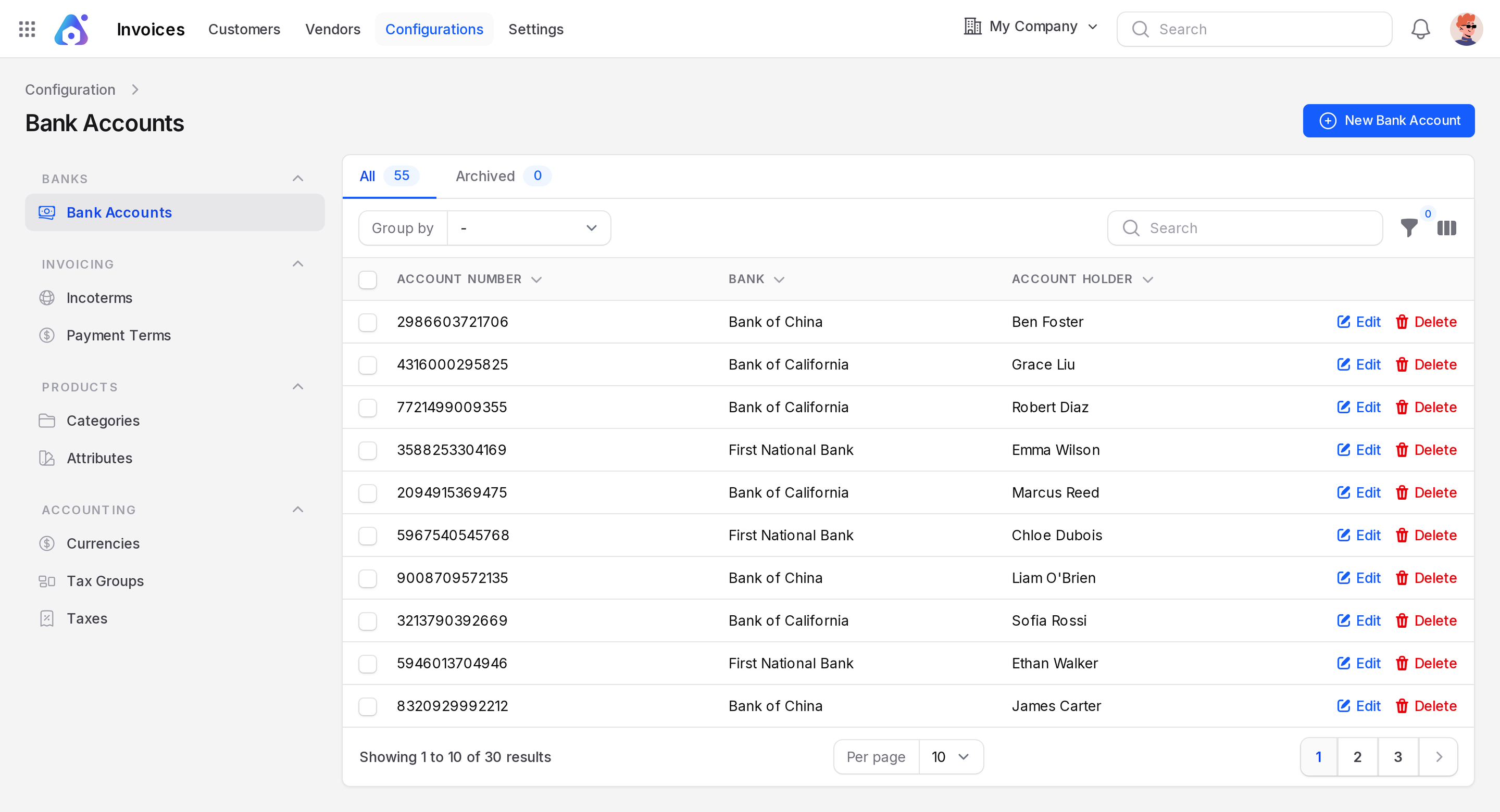
The list has the tabs All and Archived.
Columns
- Account Number: The account number.
- Bank: The name of the bank, for example Bank of California.
- Account Holder: The partner who owns the account.
- Can Send Money: Hidden by default. Turn it on from the column toggle.
- Created At, Updated At and Deleted At: Hidden by default.
Group and filter
- Click Group by to group by Bank, Can Send Money or Created At.
- Click the filter button to filter by Bank, Account Holder, Creator or Can Send Money.
Create a bank account
- Open
Invoices → Configurations → Bank Accounts. - Click New Bank Account.
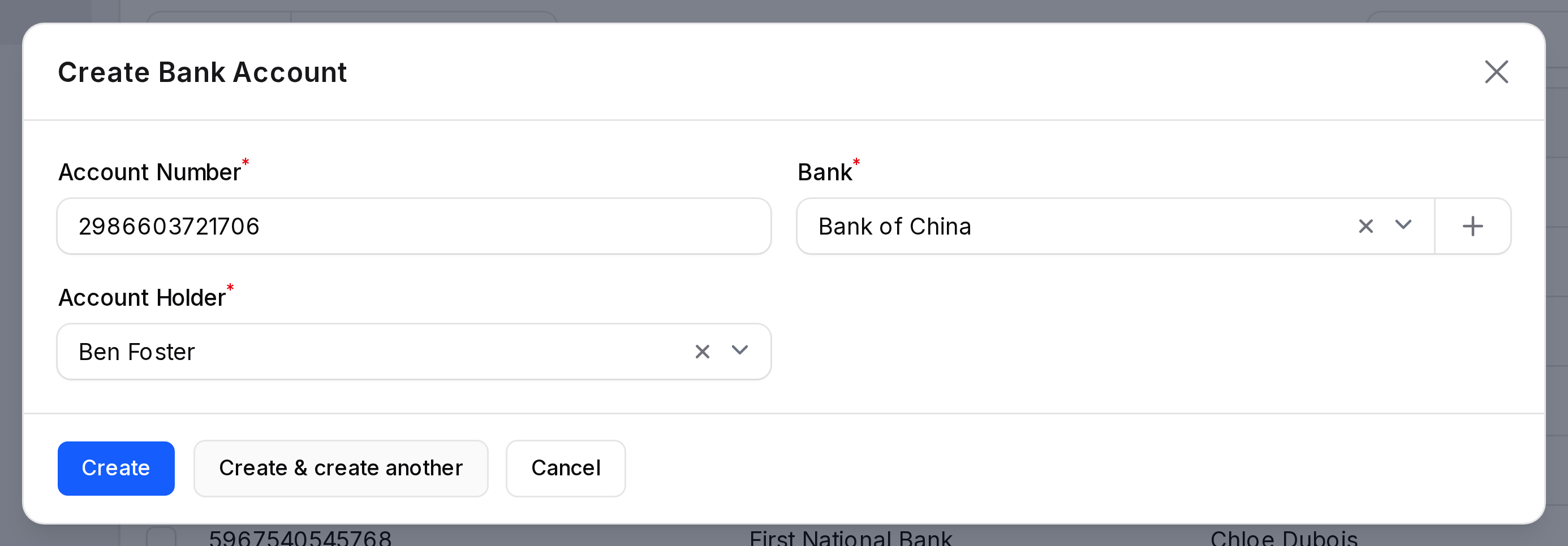
- Fill in the form.
- Click Create.
Fields
- Account Number: Required. It must be unique. Type the number as the bank gives it.
- Can Send Money: A switch. Turn it on when you have checked that this account is safe to pay.
- Bank: Required. Pick the bank. Deleted banks cannot be picked.
- Account Holder: Required. The customer or vendor who owns the account. When you open the form from a contact, this field is already filled.
How bank accounts are used
- On a vendor bill, the Recipient Bank field in Other Information offers the vendor accounts.
- In the Pay window of a bill, the Recipient Bank Account field lists the same accounts. See Register a payment.
- On a manual payment, Vendor Bank Account or Customer Bank Account offers the accounts of the chosen partner. See Manage payments.
- Aureus shows the bank account field only for the method Manual Payment on a bank journal. It does not show on a cash journal.
TIP
An account with Can Send Money turned on is listed first when you pick a recipient bank.
Edit, delete and archive
- Click Edit on a row to change a record.
- Click Delete to archive it. An archived account moves to the Archived tab and shows "(Deleted)" in lists. You cannot pick it again.
Example
You pay vendor FreshFoods Wholesale for bill BILL/2026/4. First you add their account: Account Number 1234567890, Bank First National Bank, Account Holder FreshFoods Wholesale. Then you open the bill, click Pay, and pick that account as the Recipient Bank Account.