

Sub-tasks
A sub-task is a smaller task that belongs to a parent task. Use it when one task has several parts, or when different people do different parts. Sub-tasks do not show in the main task list. You reach them from the parent.
In simple words: A sub-task is a task inside a task. Its hours add up on the parent.
Open the parent task and click Sub Tasks in the links at the top of the page.
Prerequisite
The parent task must exist and its project needs task stages. See Task stages and states.
INFO
The time totals need Enable Timesheets. See Timesheet settings.
Create a sub-task
The example adds Draft email copy under Prepare launch announcement.
Open
Project → Tasks, click Prepare launch announcement, then click Sub Tasks.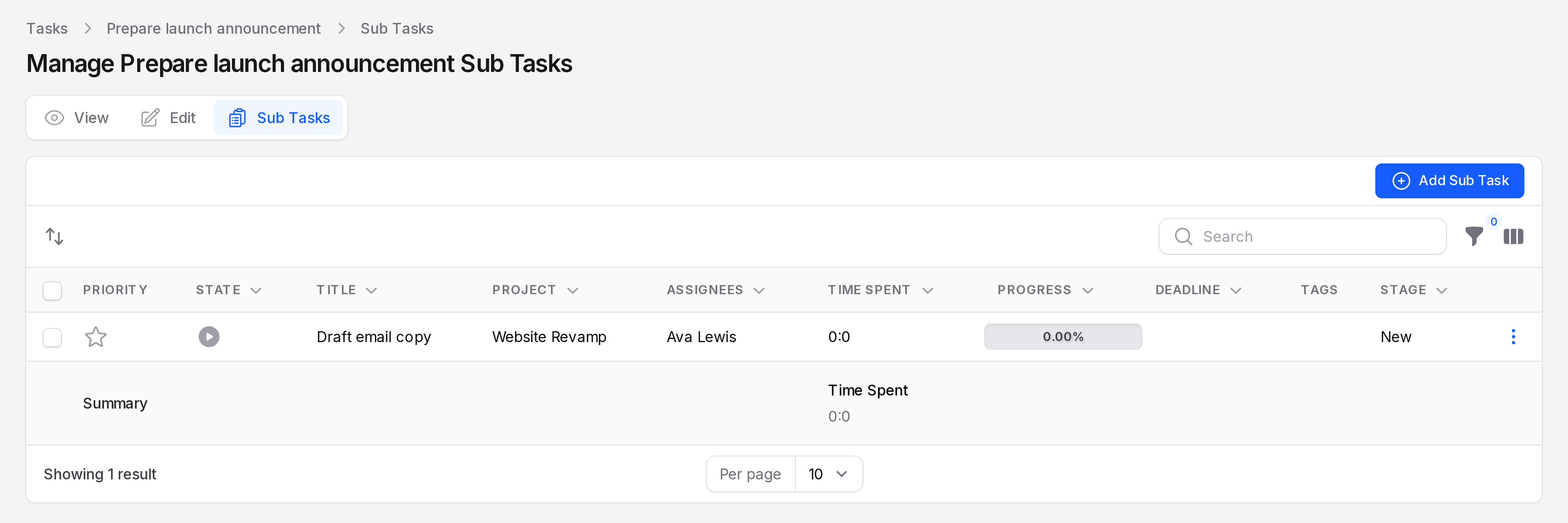
Click Add Sub Task. A large form opens with the same fields as a task.
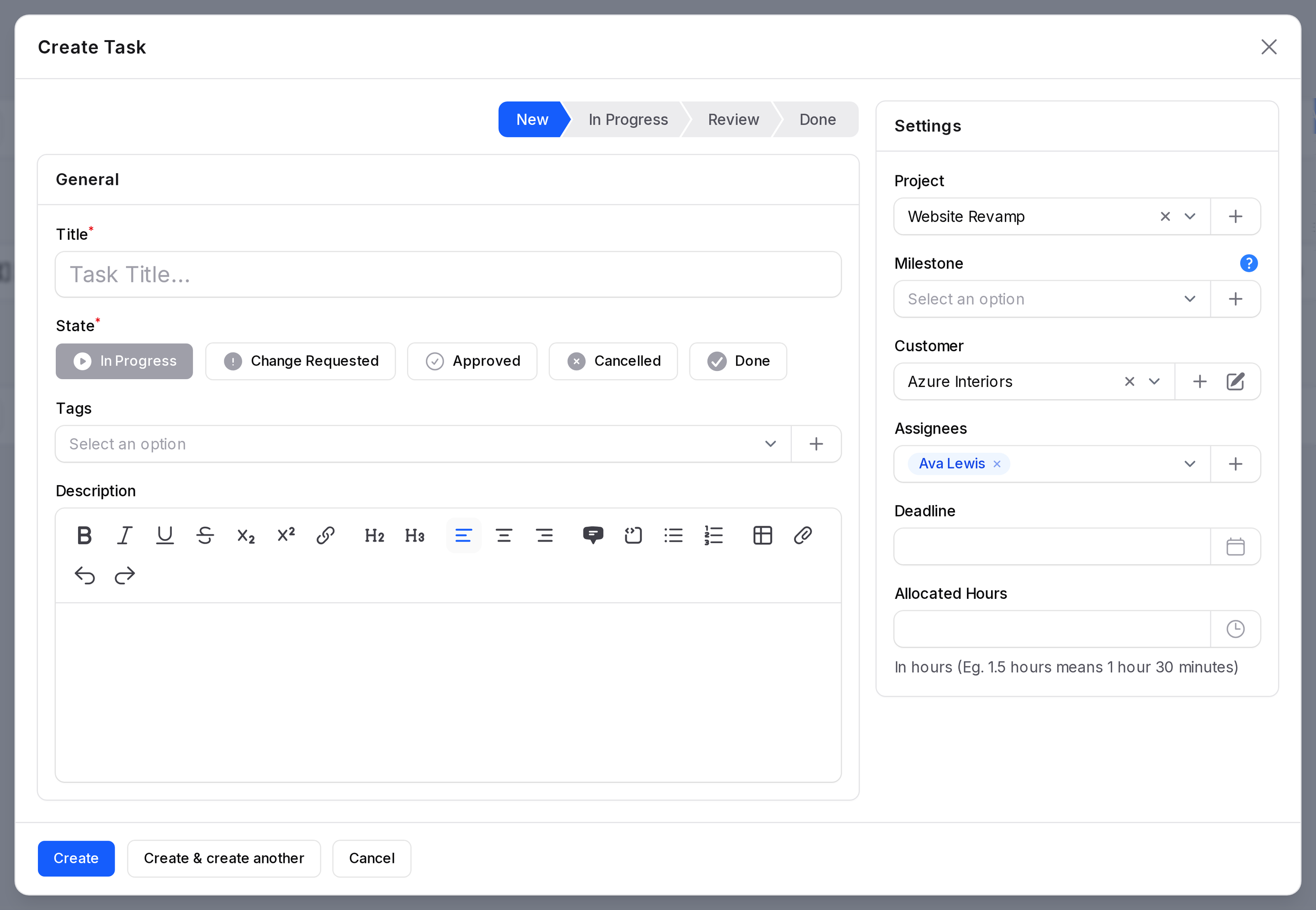
The form opens with values copied from the parent. Type Draft email copy in Title. Set Allocated Hours to 6. Change any copied value if needed.
- Stage: The first stage of the project, New.
- State: In Progress.
- Project:, Milestone:, Customer: and Assignees: The same as the parent.
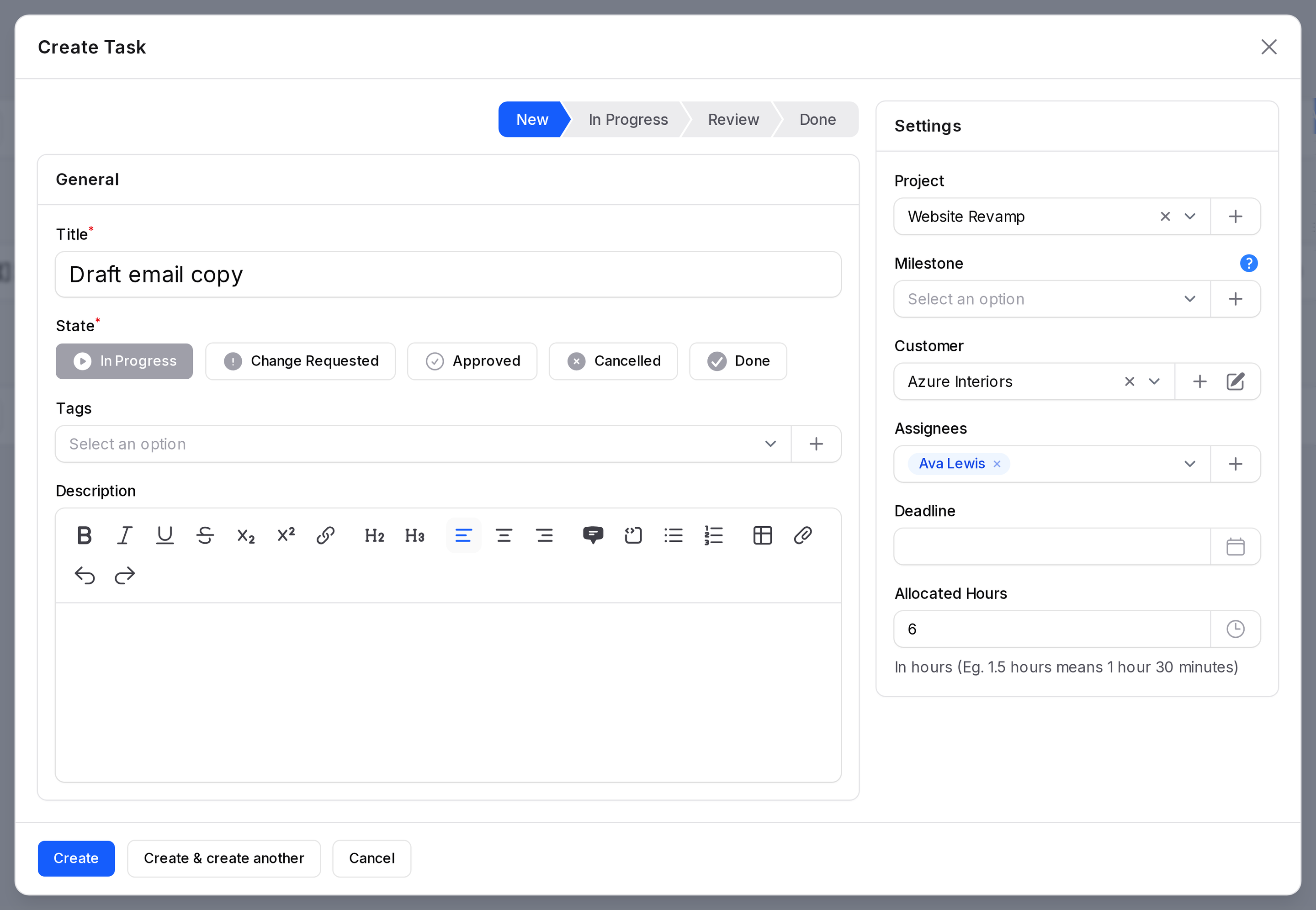
Click Create. The sub-task appears in the table. Check
Project → Tasks: the sub-task is not in the main list. Only the parent shows.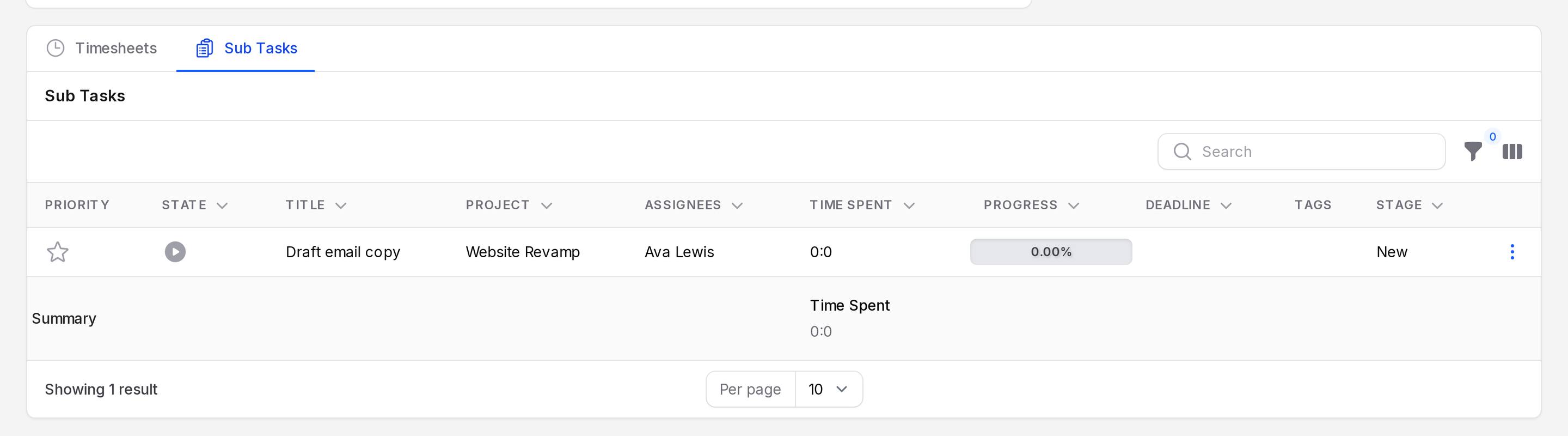
The table has the same columns as the task list and a Trashed filter. Use the row menu for Delete, Restore and Force delete.
How time rolls up
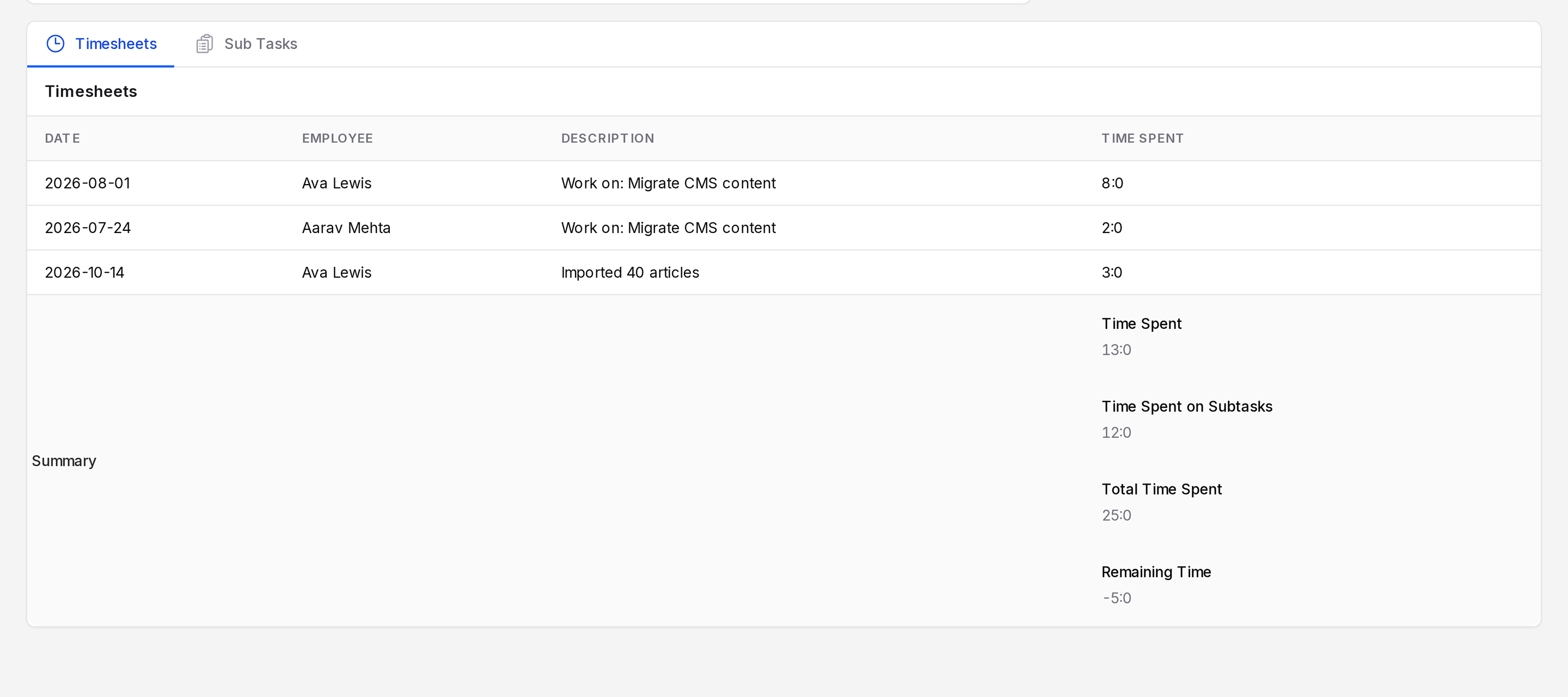
Log time on the sub-task like on any task. On the parent, scroll down the View page. The Timesheets tab then shows these totals.
| Total | Meaning |
|---|---|
| Time Spent | Hours logged on the parent itself |
| Time Spent on Subtasks | Hours logged on all its sub-tasks |
| Total Time Spent | The two added together |
| Remaining Time | Allocated hours minus the total |
Migrate CMS content has 20 allocated hours. People logged 13 hours on it. Its two sub-tasks, Export legacy articles and Import and re-format media, hold 6 hours each. Those 12 hours count toward the parent. The totals are 13 hours, 12 hours, 25 hours and minus 5 hours remaining.
The Statistics block on the parent view page shows how many sub-tasks it has.
TIP
Give the sub-tasks their own assignees and deadlines. Each person then finds their part under My Tasks.