

Lots and serial numbers
A lot is a batch of identical goods. A serial number marks one single unit. In manufacturing, you use them to trace a finished product, or a component, back to where it came from. The register of all numbers sits under the Manufacturing menu.
In simple words: A lot or serial number is a label that lets you follow one batch or one unit through stock.
Open Manufacturing → Products → Lots / Serial Numbers.
Settings
The page works with the tracking set in Inventory. Go to Inventory → Settings → Manage Traceability and turn on Lots & Serial Numbers. Then open the product in Inventory, turn on Track Inventory and set Track By to By Lots or By Unique Serial Number.
The Inventory guide explains this in full. See Lots and serial numbers (Inventory). For the product side, see Configure product.
INFO
The page is the same register that Inventory uses. A number you create here is visible in Inventory, and the other way round.
Overview
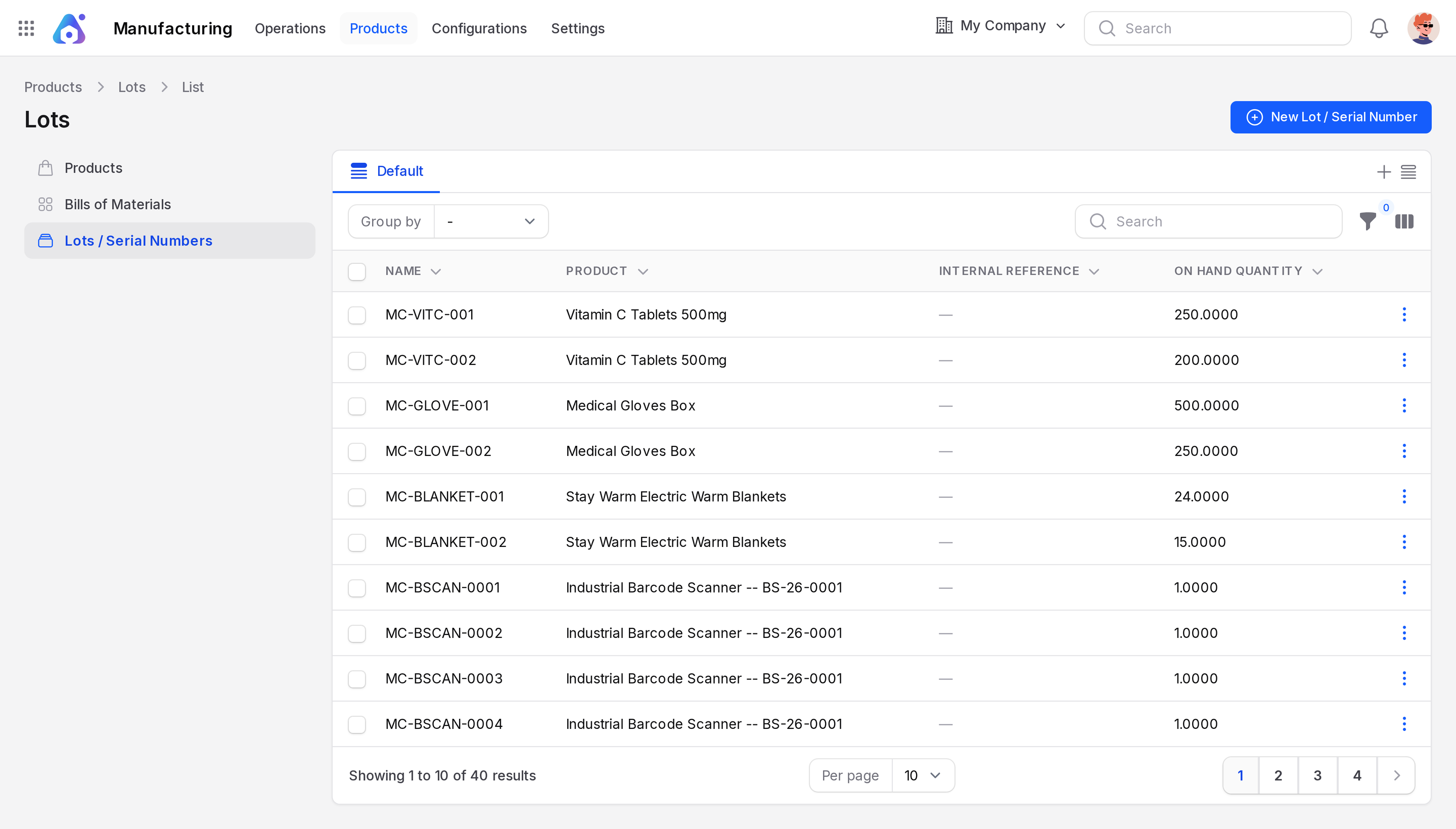
- Columns: Name, Product, Internal Reference, On Hand Quantity.
- Button: New Lot / Serial Number.
Create a lot or serial number
Scenario: register a serial number for a finished Business Laptop that is tracked By Unique Serial Number.
- Open
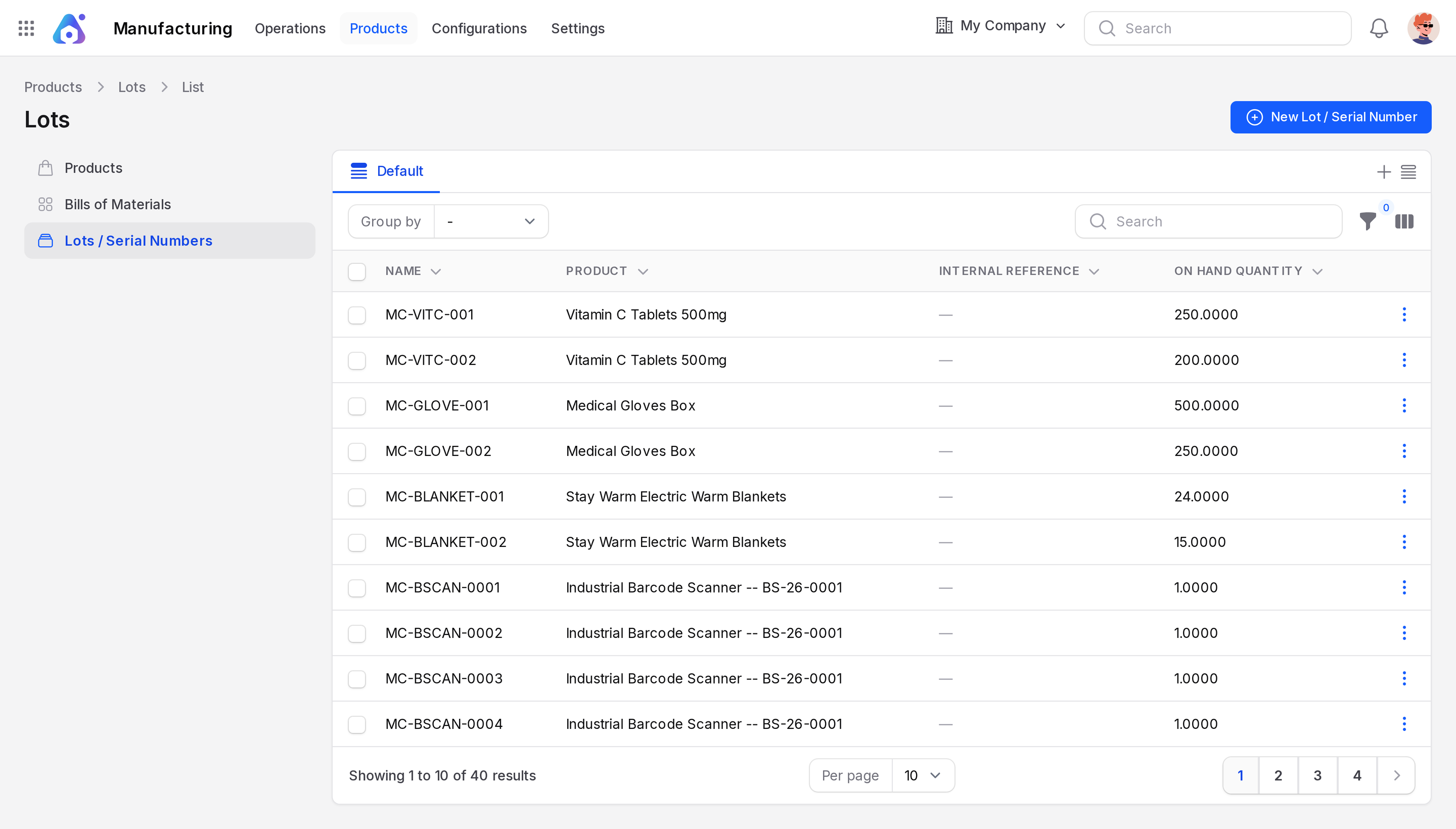
Manufacturing → Products → Lots / Serial Numbers. - Click New Lot / Serial Number.
- Fill the form.
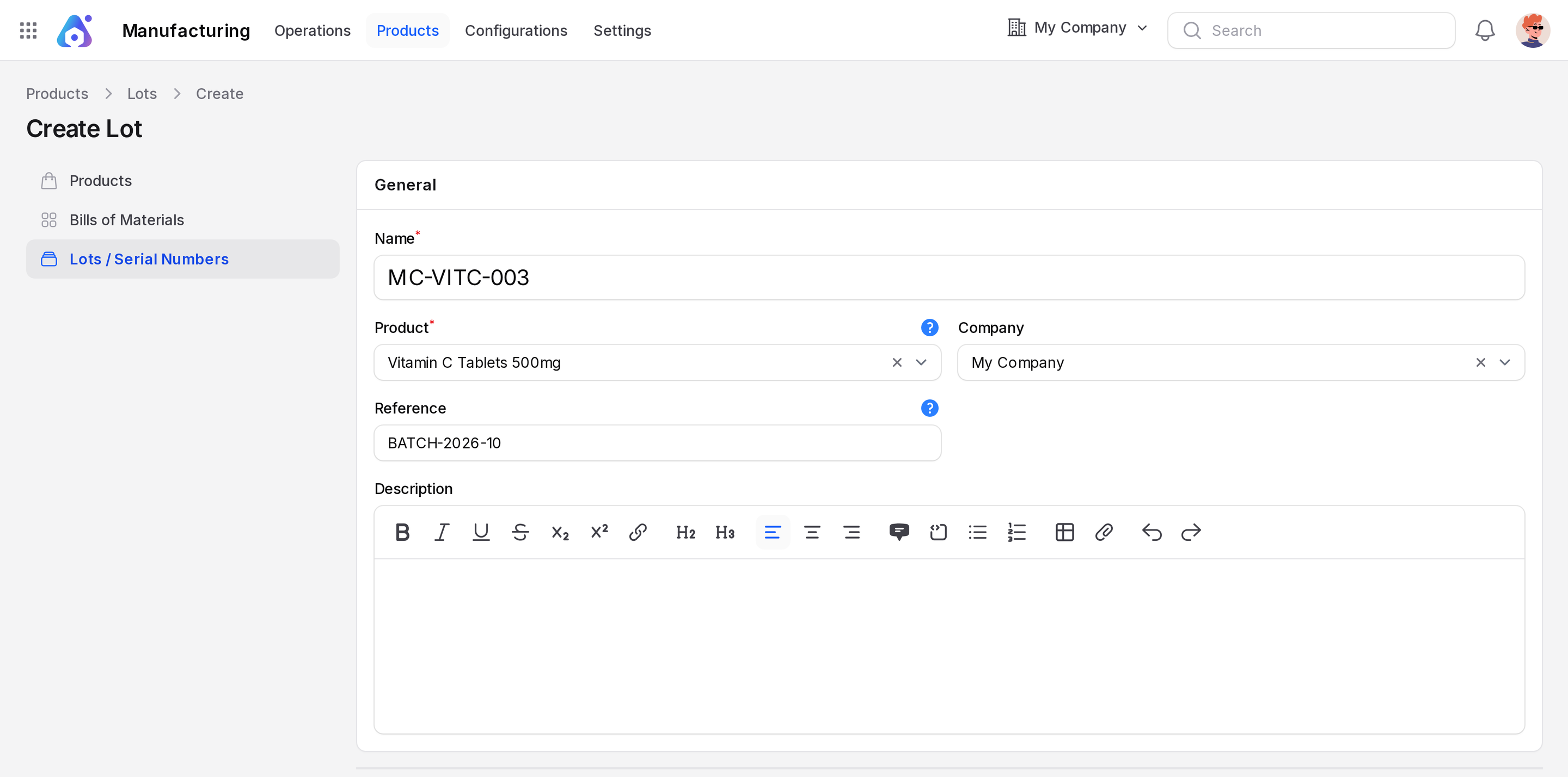
- Name: The lot or serial code. Required.
- Product: The tracked product. Required. You cannot change it after the number has moved.
- Company: The owner company.
- Reference: An internal reference, if it differs from the maker's number.
- Description: Free notes.
- Click Create, or Create & create another to add more.
Lots on manufacturing orders
A work order shows the Lot/Serial Number of the product it builds. On the MO list you can show the Lot/Serial Number column. See Work orders.
Tracking brings two checks when you finish an MO.
- Unique serial number. A finished serial number can be used once. If you reuse it, Aureus says "This serial number for product :product has already been produced".
- Numbers for consumed parts. If a component is tracked and no lot or serial is chosen, Aureus says 'You need to supply Lot/Serial Number for products and "consume" them' and lists the products.
The product name replaces :product.
TIP
Create the serial numbers before you finish the order, so each one is ready to pick.
Actions and statuses
On the list, View shows the number. Edit changes its details. Delete removes a number. Aureus refuses if the number is in use: "The lot cannot be deleted because it is currently in use."