

Skill types
Skill types organise what your people can do. A skill type is a group, such as Soft Skills. It holds skills (Communication) and levels (Beginner, Expert). You build this list once. After that, you add skills to employees by picking from it.
In simple words: A skill type is a folder. It holds the skills and the grades you can give for them.
Open Employees → Configurations → Skill Types.
Overview
The list has two tabs: All and Archived. The tab labels show a count. Seven types are included. Columns are Skill Type, Color and Skills. Skills appear as small badges.
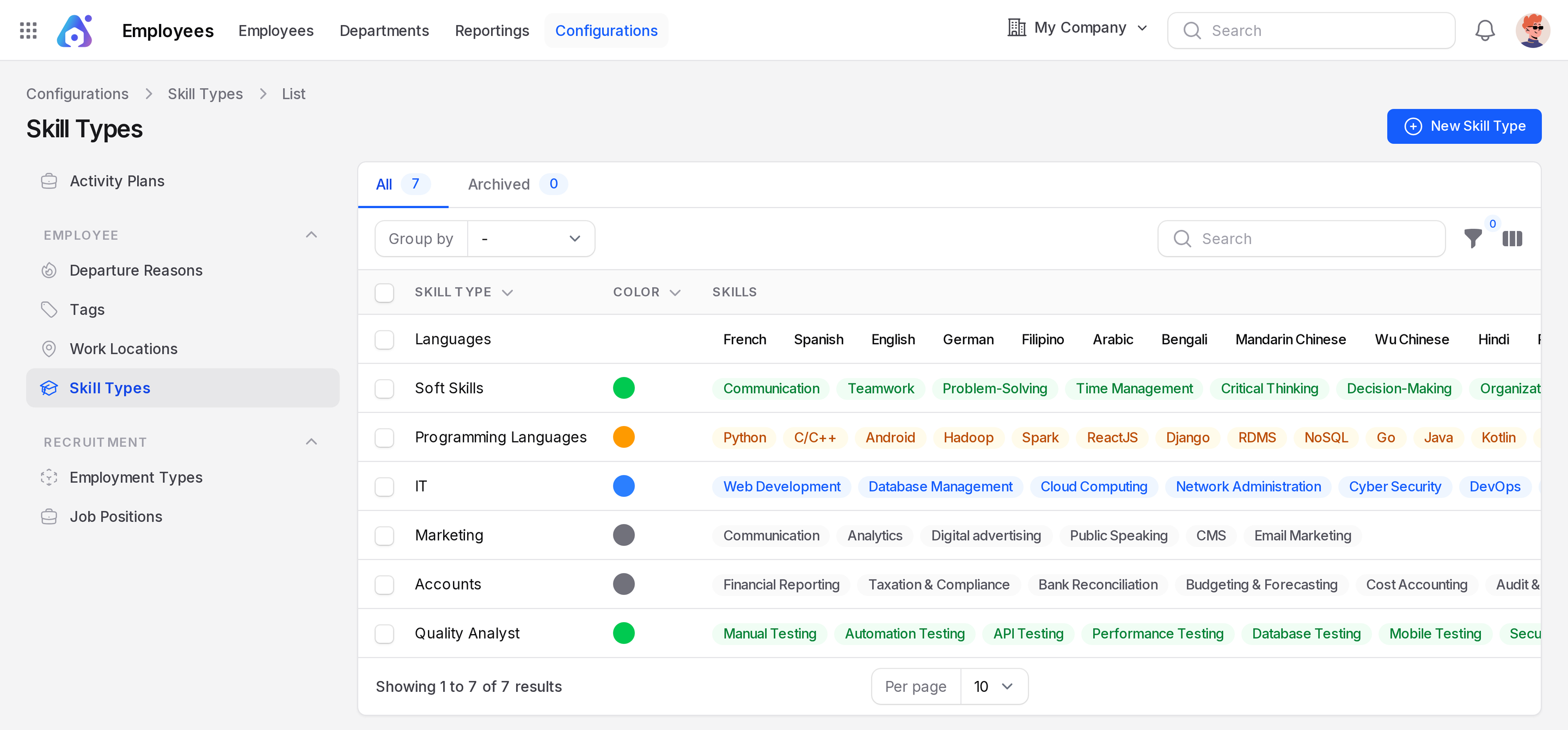
You can group the list by Name, Color, Created By, Status, Created At or Updated At. The Status filter shows active or inactive types.
Create a skill type
This example makes a new type called Warehouse Skills. Aureus already includes Soft Skills and six other types.
- Open
Employees → Configurations → Skill Types. - Click New Skill Type. A window opens.
- Fill in the form.
- Name: Required. Type
Warehouse Skills. - Color: Pick a colour from the list: Danger, Gray, Info, Success or Warning. For example, Success is green and Danger is red. A colour dot shows next to each name.
- Status: On by default. Switch it off to hide the type from new choices.
A new type starts empty. After you create it, add skills and levels in the sections below.
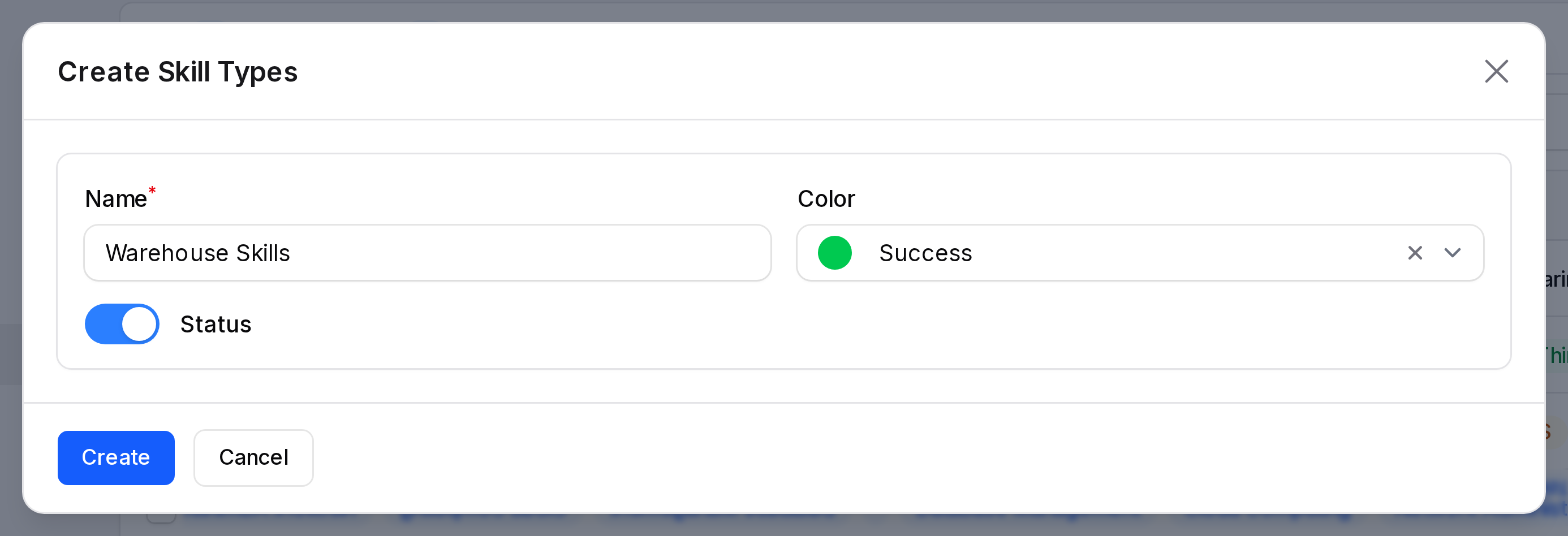
- Click Create.
The View page of a skill type shows the same tabs as read only, with no New buttons. Add skills and levels from the Edit page.
Add skills and levels
Skills and levels live inside the skill type. Open the type with Edit. Two tabs appear below the form: Skills and Skill Levels.
Skills
- Open the Skills tab.
- Click New skill.
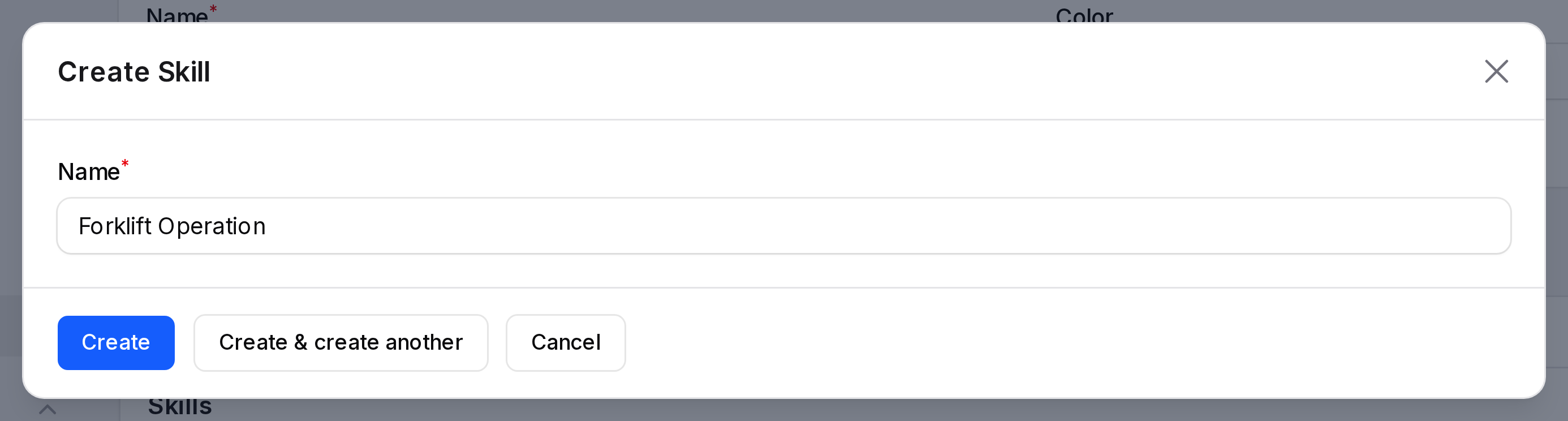
- Type the Name: (required), for example
Forklift Operation. - Click Create, or Create & create another to add more.
Skill levels
- Open the Skill Levels tab.
- Click New skill level.
- Fill in the window.
- Name: Required. For example
Proficient. - Level: A number from 0 to 100. It is the percentage shown as a progress bar.
- Default Level: Switch it on to pre-select this level when someone adds a skill of this type.
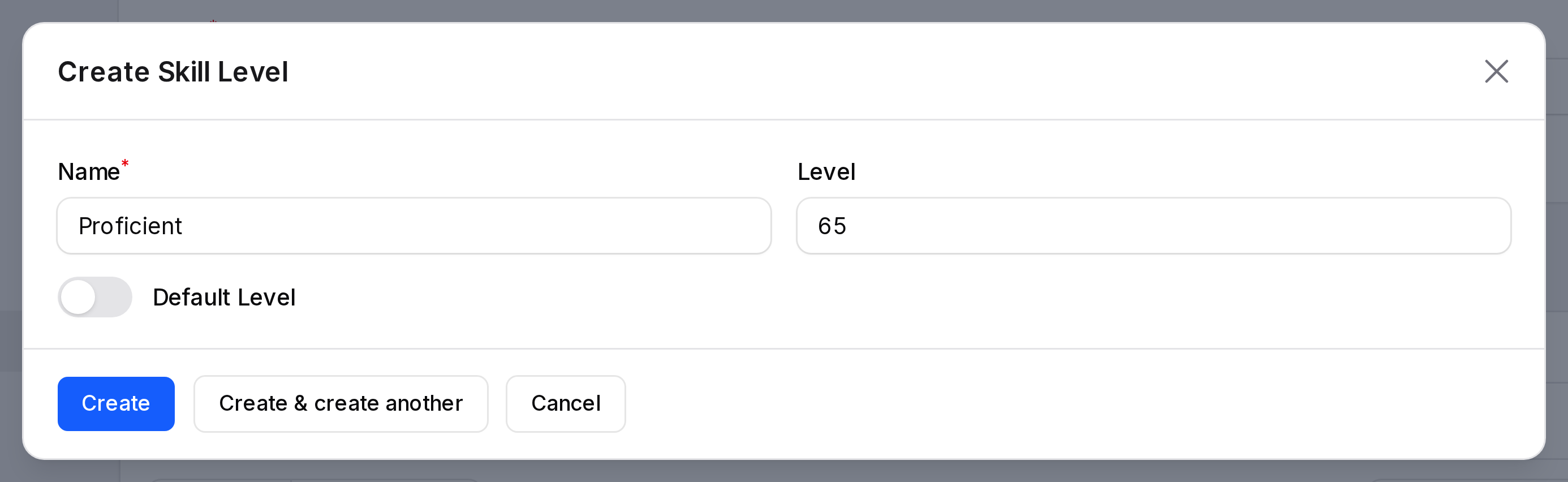
- Click Create.
Only one level per type can be the default. Setting a new default clears the old one.
For Warehouse Skills, create three levels: Beginner at 25, Intermediate at 50 and Expert at 100.
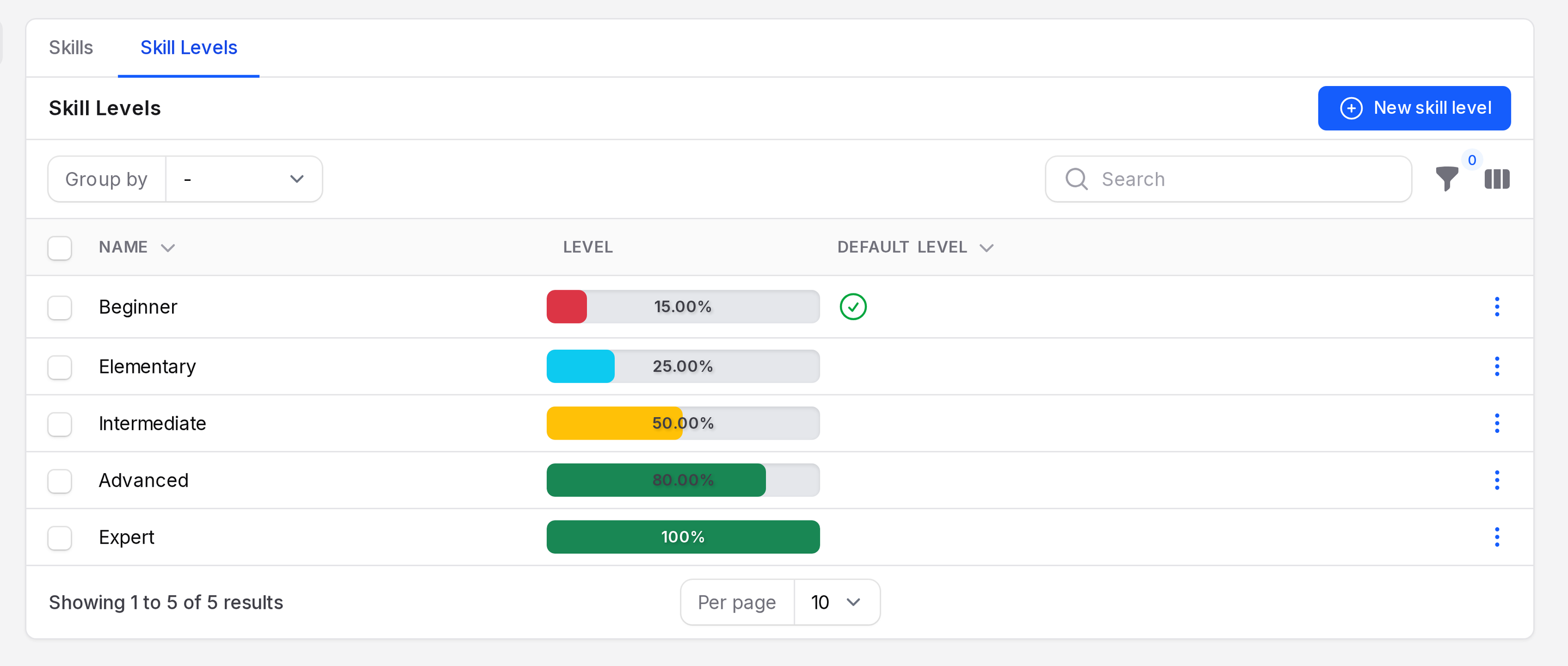
The included Soft Skills type has five levels: Beginner 15 (the default level), Elementary 25, Intermediate 50, Advanced 80 and Expert 100. The Skill Levels table shows the columns Name, Level (a progress bar with the percent) and Default Level (a tick).
Skill types included in Aureus
| Skill type | Examples of skills | Levels |
|---|---|---|
| Languages | French, Spanish, English | A1 to C2 |
| Soft Skills | Communication, Teamwork, Leadership | Beginner, Elementary, Intermediate, Advanced, Expert |
| Programming Languages | Python, Java, Laravel | Beginner to Expert |
| IT | Web Development, Cloud Computing | Beginner to Expert |
| Marketing | Analytics, Email Marketing | L1 to L4 |
| Accounts | Taxation & Compliance, Tally | Learner to Professional |
| Quality Analyst | Manual Testing, API Testing | Learner to Professional |
Edit, archive and restore
Click Edit to change a type. Click Save changes to keep it. Click Delete to archive it. Use Restore on the Archived tab to bring it back.
Where skills are used
- On an employee, the Add Skill button asks for a skill type, a skill and a level. The skill and level lists follow the type you pick. See Skills and resume.
- The Skills report shows who has which skill.
- Applicants and candidates in Recruitment use the same skill types.