

Employment types
An employment type describes the kind of contract or arrangement a role has, such as Full-Time, Intern or Temporary. You keep one list of types and reuse it. This keeps wording the same across all your job positions.
In simple words: An employment type is a label for how someone is employed.
Open Employees → Configurations → Employment Types.
Prerequisite
None. The list already holds 11 types. Add more only when you need a label that is missing.
Overview
The list has no tabs. Columns are Employment Type, Code and Country. Drag the handle on a row to change the order. You can group by name, code, country and more.
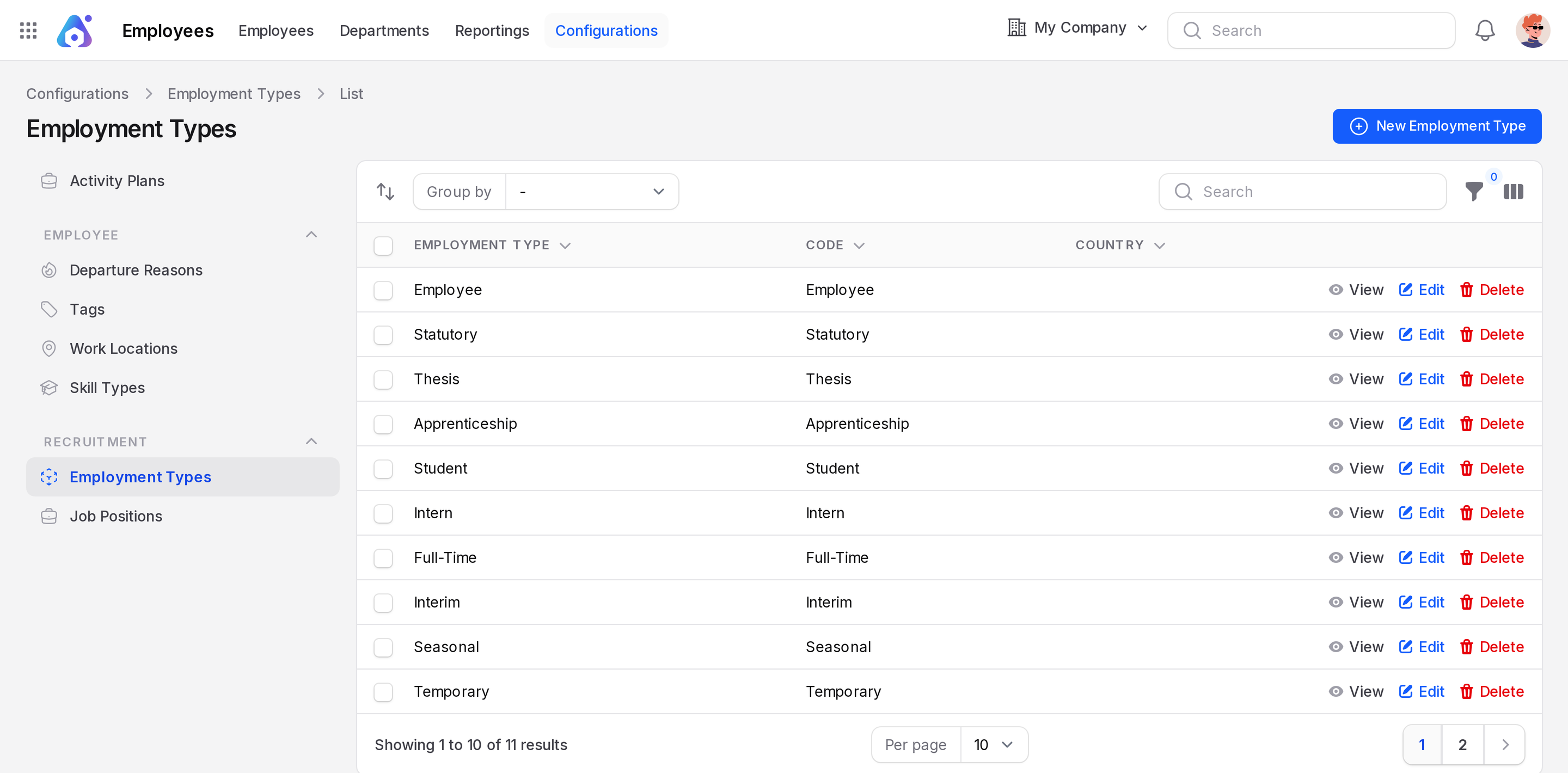
The sample types are Employee, Statutory, Thesis, Apprenticeship, Student, Intern, Full-Time, Interim, Seasonal, Temporary and Permanent.
Create an employment type
This example adds Contractor.
- Open
Employees → Configurations → Employment Types. - Click New Employment Type. A window opens.
- Fill in the form.
- Employment Type: Required. Type
Contractor. - Code: Optional. A short code, such as
CONTRACTOR. - Country: Optional. It is empty at first. Pick a country if the type applies to one country only.
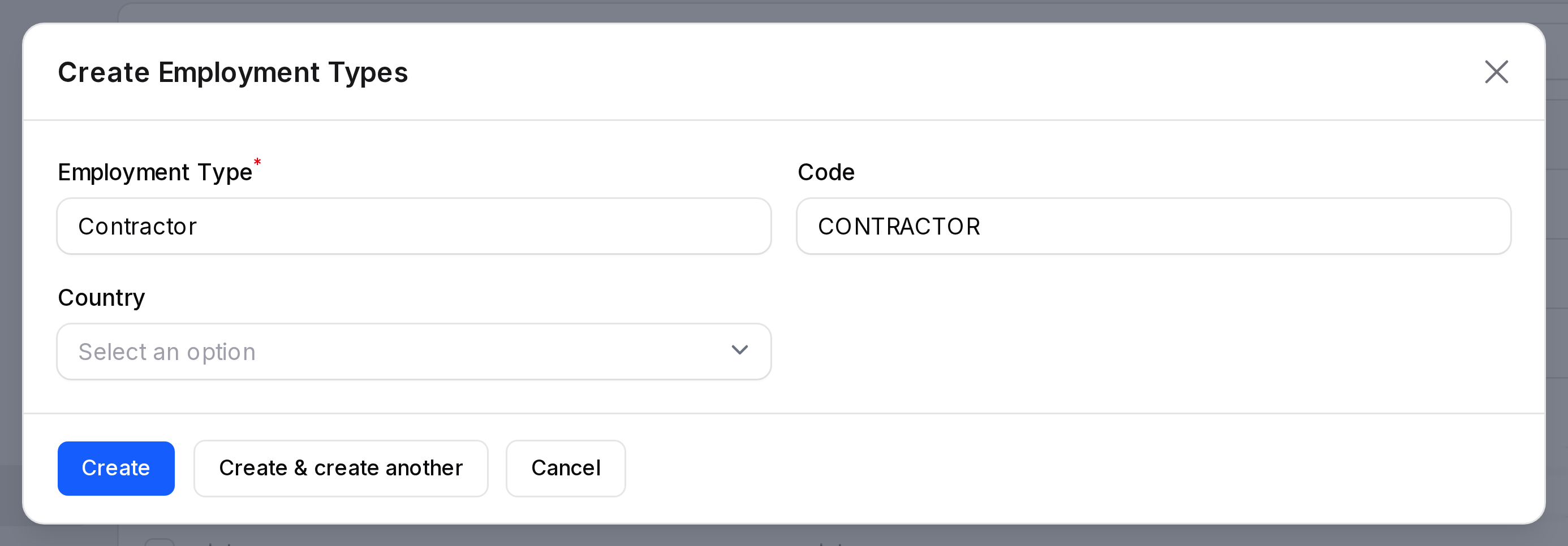
- Click Create. The type appears in the list.
TIP
Click Create & create another to add several types in a row.
Edit or delete
Click Edit on a row to change it. Click Delete to remove it.
Where employment types are used
- The Job Positions form has an Employment Type field. See Job positions.
- You can filter job positions by employment type.