

Cash in and out
Sometimes cash enters or leaves the drawer without a sale. You may pay a courier, buy supplies or add change from the safe. Cash in and out records these movements, so the drawer still balances at closing.
In simple words: Write down every coin that goes into or out of the drawer outside a sale.
A movement is tied to the live session. It changes the expected balance you see when you close.
Record a movement in the back office
- Go to
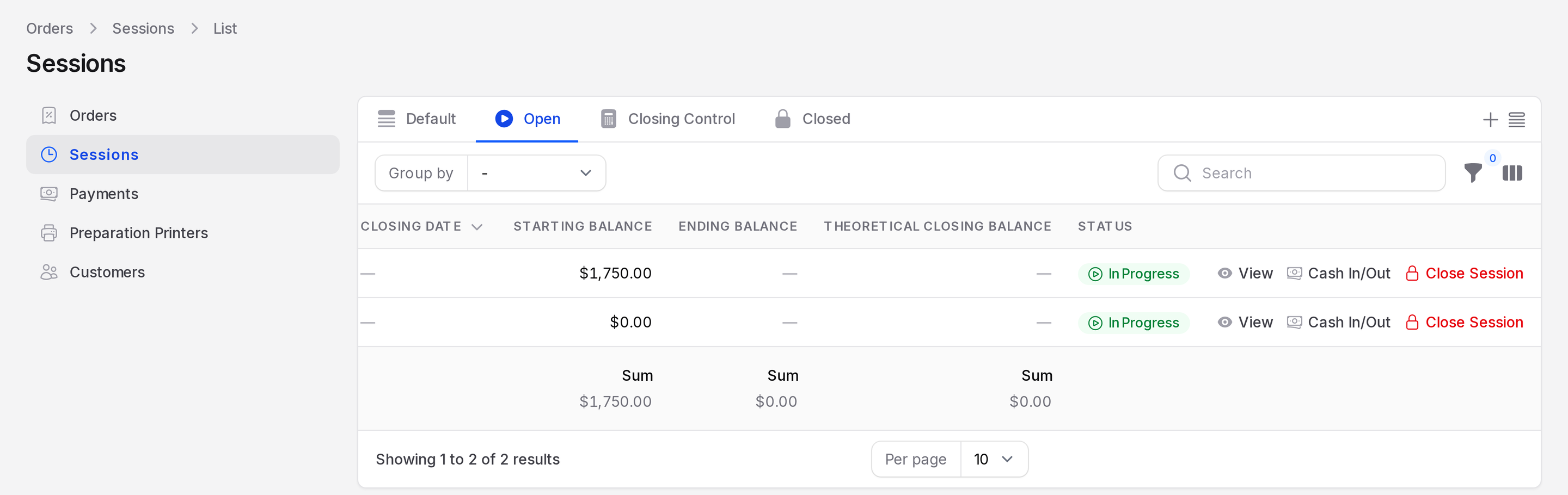
Point of Sale → Orders → Sessions. - Find the session that is In Progress.
- Click Cash In/Out on its row. The Cash In/Out window opens.
- Fill in the form.
- Type: Choose Cash In to add money or Cash Out to take money. Required.
- Amount: The amount moved. Required.
- Reason: A short explanation. Staff read it when they check the session later.
- Click Submit. A notice says Cash movement recorded.
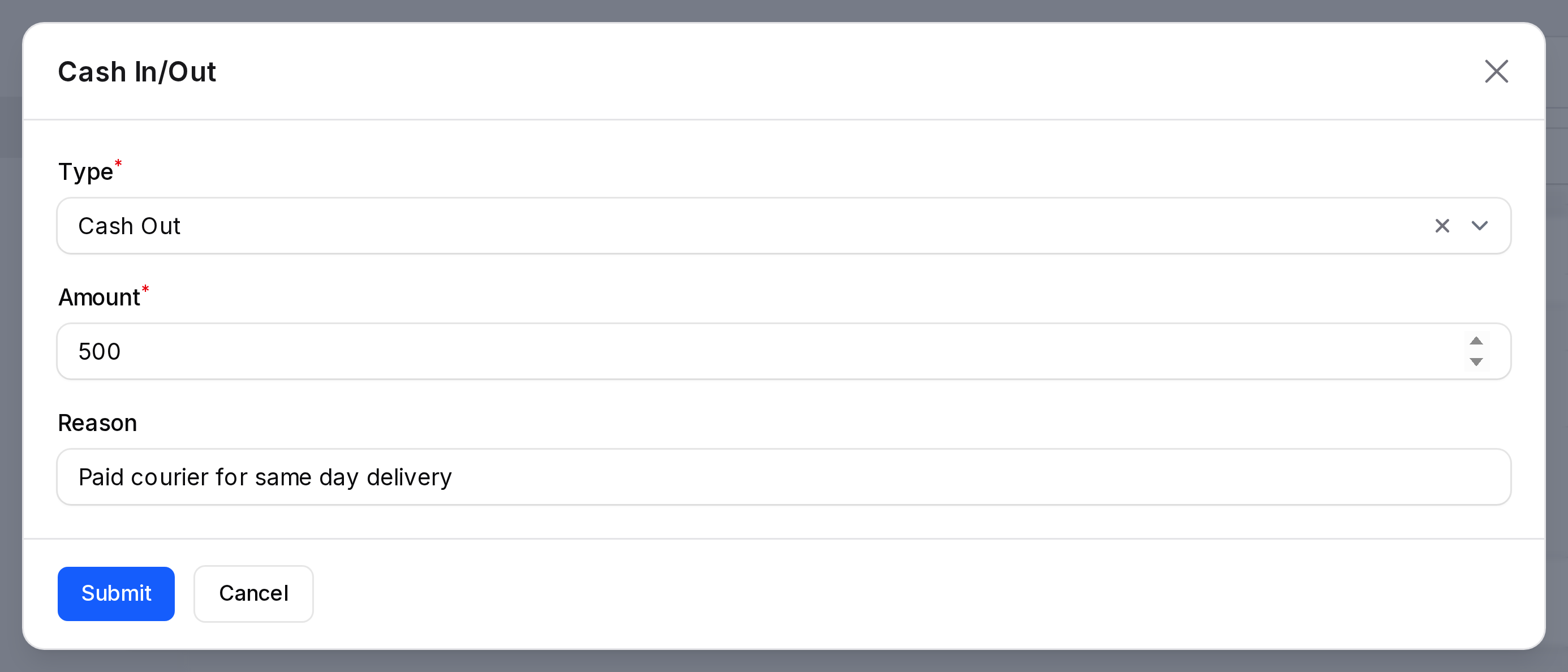
Example: TechNest pays a courier 500 for a same day delivery. Choose Cash Out, enter 500 and write "Paid courier for same day delivery".
Record a movement at the terminal
The till has the same feature, so the cashier does not have to leave the screen.
- Click your initials at the top right of the terminal.
- Click Cash In / Out.
- Choose Cash in or Cash out, then enter the Amount and the Reason.
- Click Record movement.
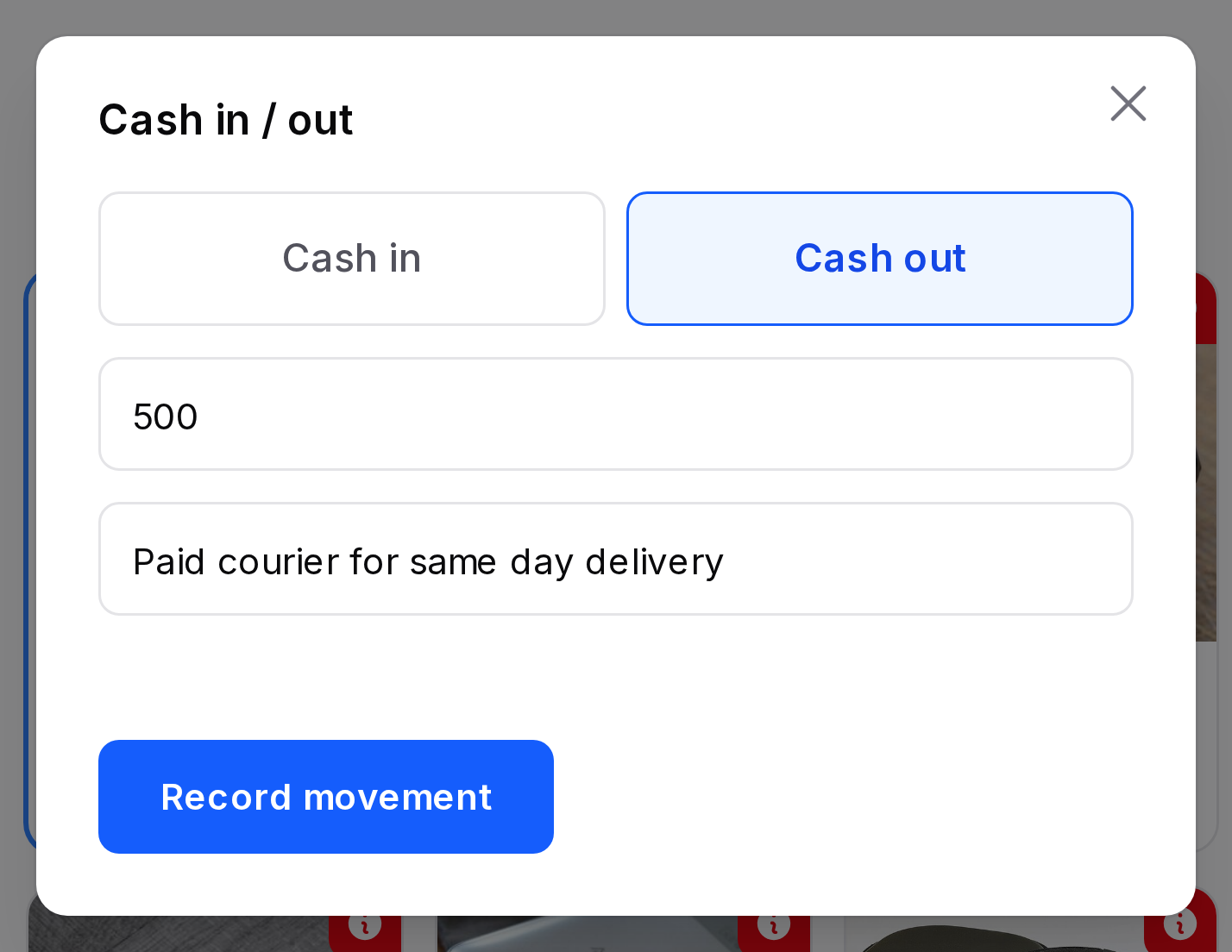
The terminal confirms with the message Cash movement recorded. For example, "500 taken out of the cash drawer."
How it affects closing
The drawer should hold this amount at closing:
opening cash + cash payments + cash in - cash out
For TechNest: 1,750 opening + 6,597 cash sales (7,000 paid less 403 change) - 500 cash out = 7,847. The refund of the Nova X5 is paid back in cash, so its net effect with the original sale is zero. That is why the counted amount of 7,847 matches. See Close a session.
Statuses
You can record movements only while the session is In Progress. After the session closes, the movements are fixed.
TIP
Always write a clear reason. A note like "courier" is easier to check than an empty field.
WARNING
Do not take cash out of the drawer without recording it. The difference shows up at closing.