

Incoterms
Incoterms are short international trade codes. Each code states who organises and pays for shipping, insurance and customs between the seller and the buyer. You need them when you sell or buy across borders, so both sides know who carries which cost and risk. Aureus stores the codes so you can pick one on a document.
In simple words: An incoterm is a three-letter code, such as FOB, that says who pays for what while the goods travel.
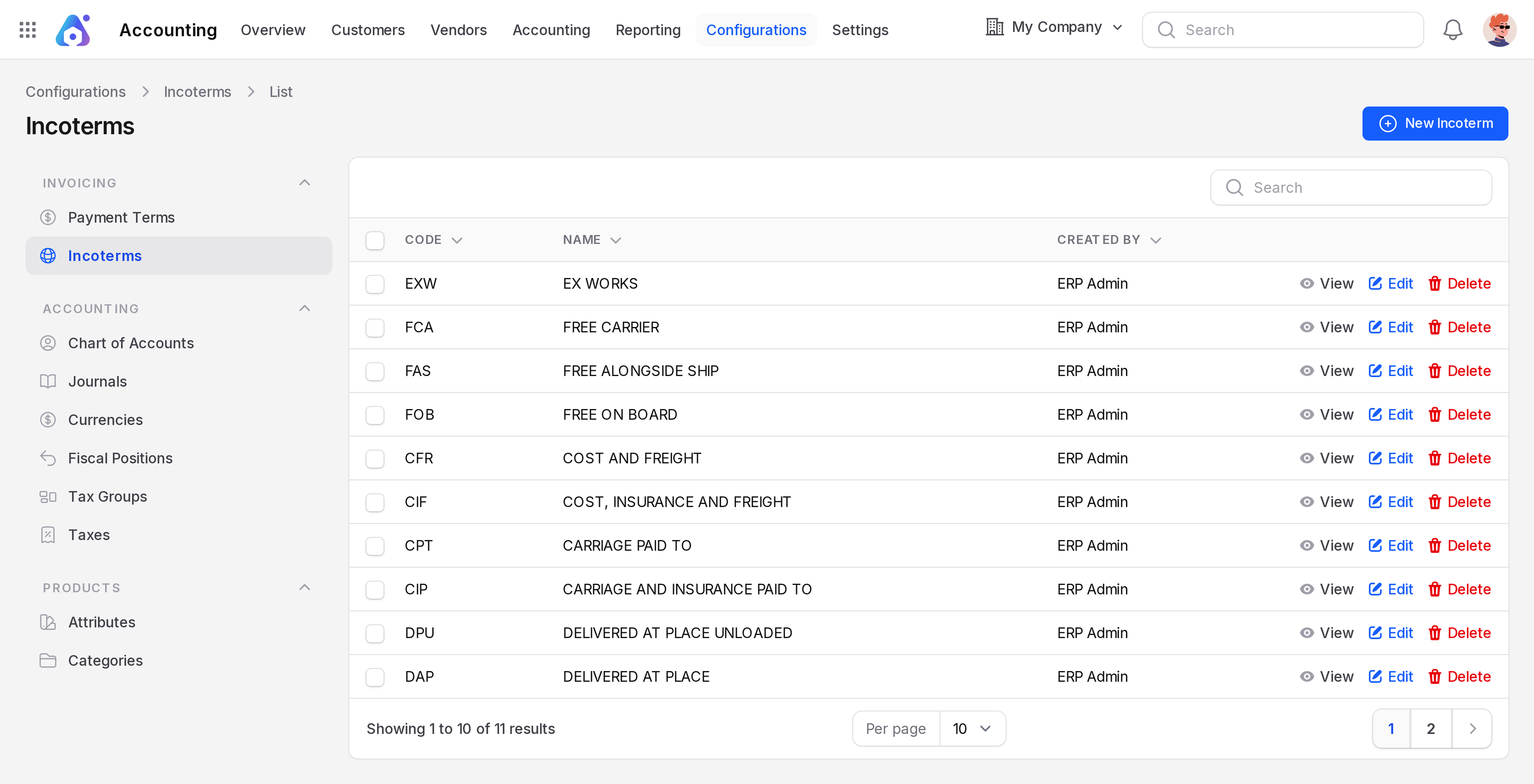
Open the list with Invoices → Configurations → Incoterms or Accounting → Configurations → Invoicing → Incoterms.
Overview
Aureus comes with the standard codes: EXW (Ex Works), FCA (Free Carrier), FAS (Free Alongside Ship), FOB (Free On Board), CFR (Cost and Freight), CIF (Cost, Insurance and Freight), CPT (Carriage Paid To), CIP (Carriage and Insurance Paid To), DPU (Delivered at Place Unloaded), DAP (Delivered at Place) and more. The list shows Code, Name and Created By. Use the search box to find one.
Create an incoterm
You rarely need to add one, because the standard list is complete. Add your own when your company uses a special term.
- Go to
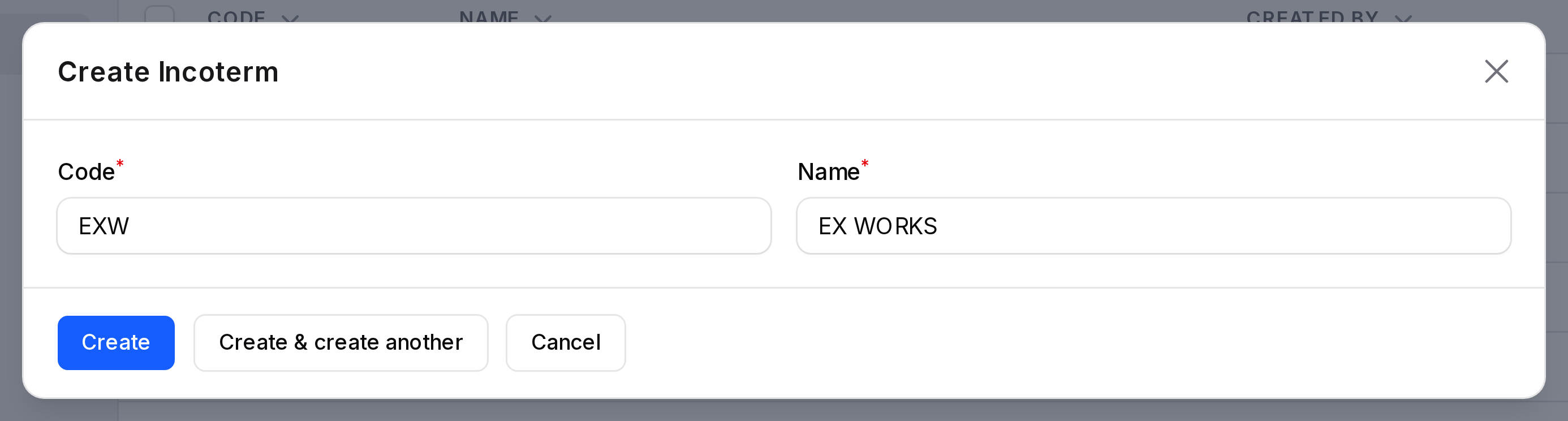
Invoices → Configurations → IncotermsorAccounting → Configurations → Invoicing → Incoterms. - Click New Incoterm. A window opens.
- Fill in the fields.
- Code: The short code. Required. It can have up to 3 characters, such as EXW.
- Name: The full name. Required. For example "EX WORKS".
- Save the window.
Use the row menu to View, Edit or Delete an incoterm.
Where to use incoterms
On an invoice
- Open an invoice, and go to the Other Information tab.
- In the Accounting block, pick the Incoterm.
- Write the place in Incoterm Location, for example "Port of Rotterdam".
The same two fields exist on vendor bills. See Create an invoice and Create a vendor bill.
Example: You sell hammocks to a customer abroad and agree that you deliver them on board the ship. On the invoice, set Incoterm to FOB and Incoterm Location to the loading port.
As a default for all invoices
Go to Accounting → Settings → Manage Customer Invoice and choose a Default Incoterm. Every new invoice then starts with that code. You can still change it on each invoice.
Tips
- Agree on the incoterm with the customer before you invoice. It is part of the sales agreement.
- Leave the field empty for local sales. It is optional.