

POS settings
POS settings are rules shared by every register. They cover default accounts, price lists and when stock is updated. A register can override some of them on its own form. Set these once, before your first session.
In simple words: Settings are the defaults for all registers. A register can change some of them for itself.
Go to Point of Sale → Settings. Three pages are listed: Manage Accounts, Manage Products and Manage Inventory. Each page has its own Save changes button.
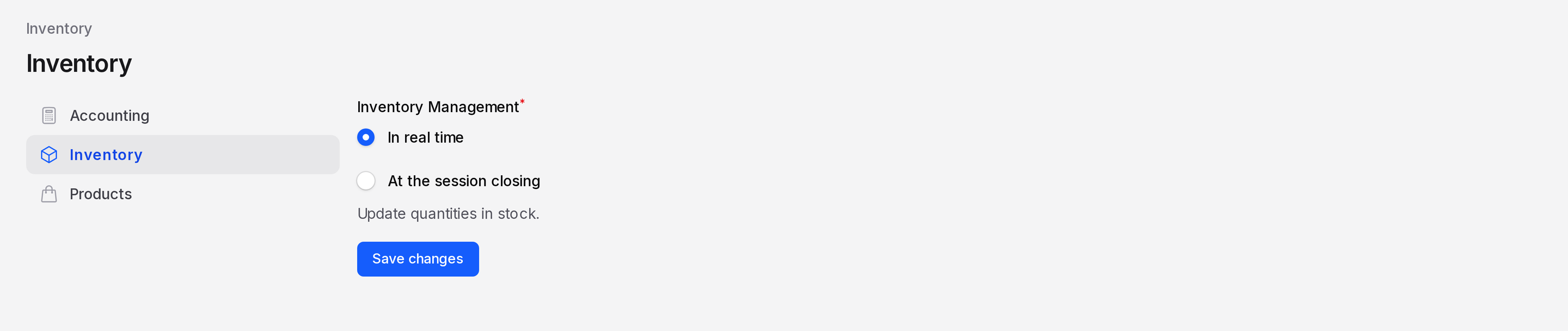
Manage Accounts
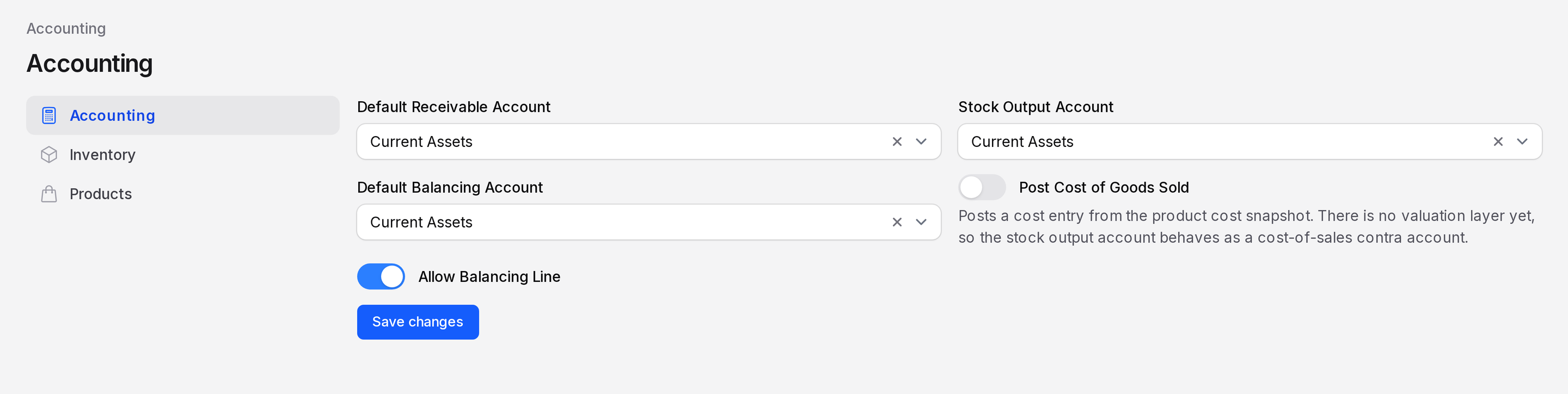
Open Point of Sale → Settings → Manage Accounts. These accounts are used when a register has no account of its own.
- Default Receivable Account: Holds the money from POS sales until the session closes. A register can use its own Intermediary Account instead.
- Stock Output Account: The account that receives the cost of items you sell. Used when Post Cost of Goods Sold is on.
- Default Balancing Account: Takes the small gap when counted cash differs from expected cash at closing.
- Post Cost of Goods Sold: Posts a cost entry for sold items from the product cost.
- Allow Balancing Line: Lets a closing entry include a balancing line for a cash difference.
TIP
Choose accounts that belong to your company. A register can still pick its own accounts on the Accounting tab. See Set up a register.
Manage Products
Open Point of Sale → Settings → Manage Products.
- Price Lists: Allows products to be sold at prices set by a price list. Turn it on if you want different prices for groups of customers, or time limited offers.
After you turn it on, open a register and use the Pricing tab to choose Flexible Pricelists, Available Pricelists and a Default Pricelist.

Manage Inventory
Open Point of Sale → Settings → Manage Inventory.
- Inventory Management: Choose when stock quantities drop.
- In real time: Stock moves each time an order is paid. Use it when you must see accurate stock all day.
- At the session closing: Stock moves once, when you close the session. Use it for busy tills where speed matters.
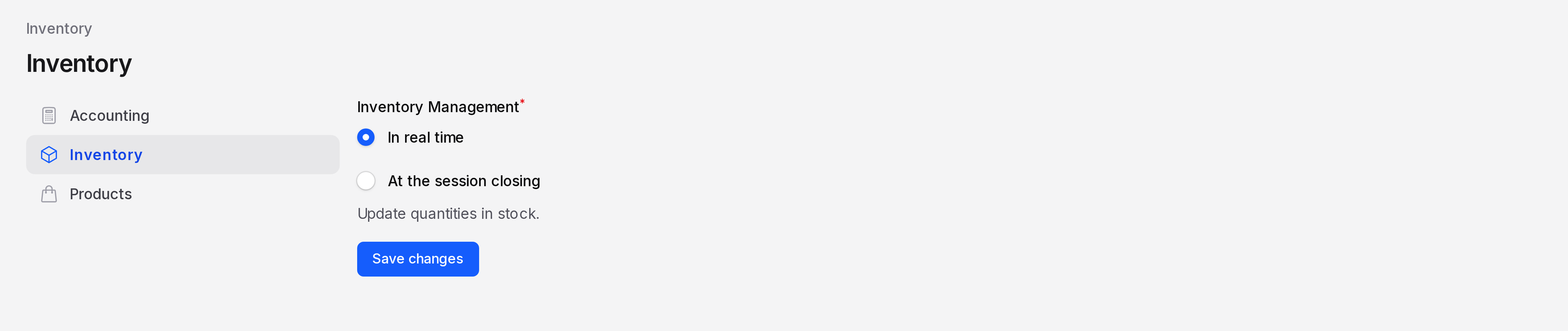
The choice is copied to each new session. Changing it later affects only sessions you open afterwards.
INFO
Orders whose stock move needs attention show up as Failed Operations on the Dashboard.
Example
TechNest Electronics sells the Glide Wireless Mouse all day. The manager picks In real time so the stock count stays right. The manager also turns on Price Lists so staff can give a loyalty price list to regular customers such as Sofia Rossi.