

Routes overview
A route is the path goods follow through your warehouse. It answers questions such as: do received goods go straight to stock, or through quality control first? Do deliveries go from stock to the customer, or through picking and packing?
In simple words: A route is a saved chain of steps. Each step is a rule that says where goods come from and where they go next.
Routes and rules live in Inventory → Configurations → Warehouse Management.
Key words
| Word | Meaning |
|---|---|
| Route | A named set of rules, for example "Receive in 3 steps" |
| Rule | One step: from a source location to a destination, using an operation type |
| Pull | A step is created because a later step needs goods. Delivery works this way |
| Push | A step is created because goods just arrived. Receiving works this way |
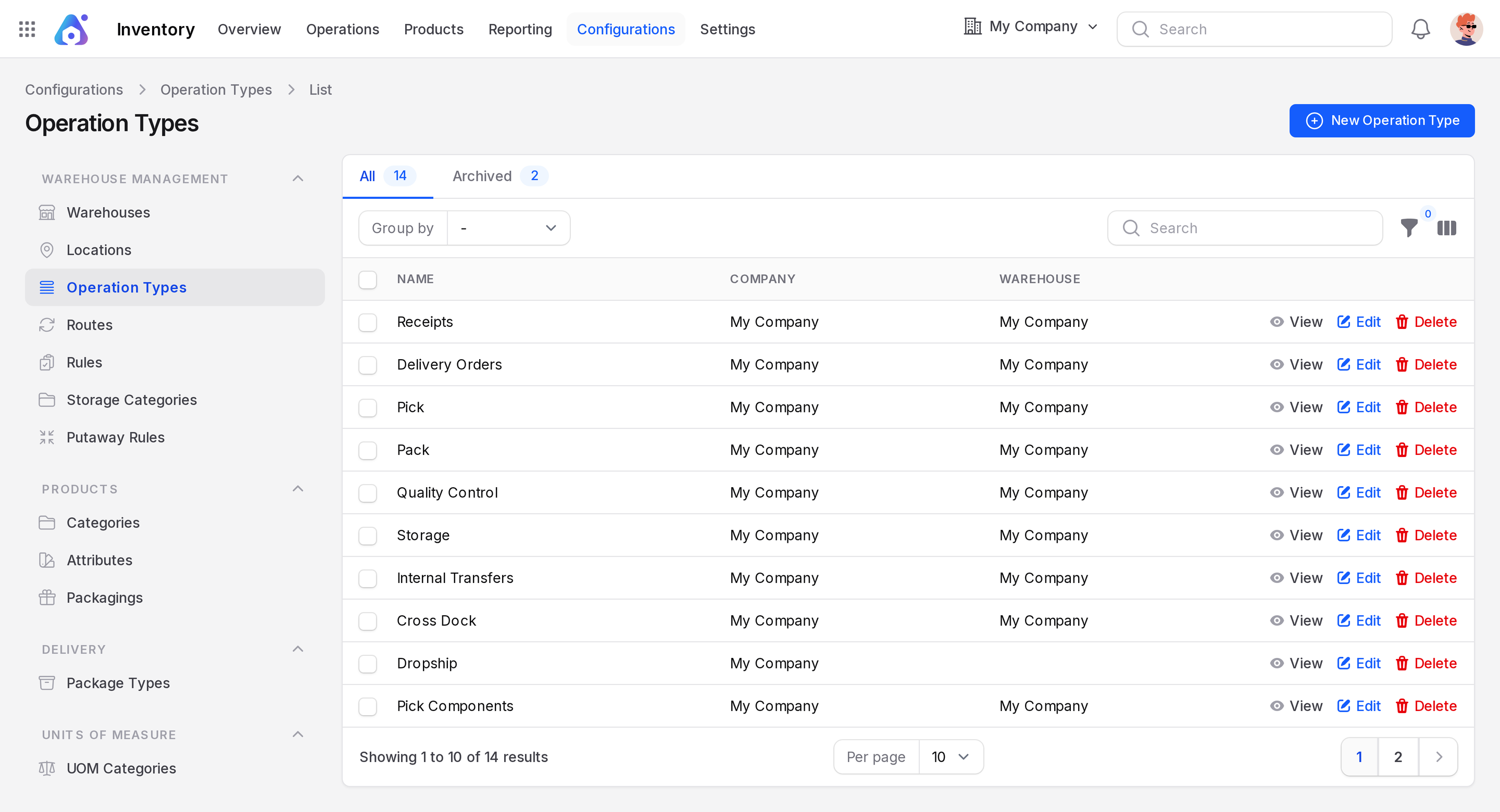
| Operation type | The kind of document the step creates, such as Receipts or Pick |
Pull works backwards from demand. A customer order asks Partners/Customers for goods, so a pick pulls them from stock. Push works forwards from arrival. Goods land in WH/Input, so a rule pushes them on to quality control.
Standard routes
Each warehouse creates its routes from the step choices in the warehouse form. In the example warehouse WH these routes exist:
- Receive in 3 steps (Input + Quality + Stock)
- Deliver in 3 steps (Pick + Pack + Ship)
- Pick components, manufacture and then store products (3 steps)
- Cross-Dock
The Routes list shows these 4 active routes, and its Archived tab holds 3 more. The warehouse Routes page, titled Manage My Company Routes, lists only the first three. Cross-Dock is not on that page.
You normally never build these by hand. Choose the step counts in the warehouse and Aureus keeps the routes in line. See Warehouses.
When you need Multi Steps Routes
The one-step flow works with no extra setting. To choose two or three steps, switch on Inventory → Settings → Manage Warehouses → Multi Steps Routes. The Incoming Shipments and Outgoing Shipments options then appear on the warehouse form. The Routes, Rules, Storage Categories and Putaway Rules menus also appear.
Flows at a glance
| Flow | Receipt path | Delivery path |
|---|---|---|
| One step | Vendor → Stock | Stock → Customer |
| Two steps | Vendor → Input → Stock | Stock → Output → Customer |
| Three steps | Vendor → Input → Quality Control → Stock | Stock → Packing Zone → Output → Customer |
In the example warehouse the locations and operation types are:
| Step | Operation type | Prefix | From → To |
|---|---|---|---|
| Receive | Receipts | WH/IN | Partners/Vendors → WH/Input |
| Check | Quality Control | WH/QC | WH/Input → WH/Quality Control |
| Store | Storage | WH/STOR | WH/Quality Control → WH/Stock |
| Pick | Pick | WH/PICK | WH/Stock → WH/Packing Zone |
| Pack | Pack | WH/PACK | WH/Packing Zone → WH/Output |
| Ship | Delivery Orders | WH/OUT | WH/Output → Partners/Customers |
Pages in this group
- One step flow: the simplest setup.
- Two step flow: an extra staging step.
- Three step flow: quality control, or pick and pack.
- Routes and rules: the forms behind the flows.
- Putaway rules: choose the shelf for arriving goods.