

Add an applicant
An applicant records that one person applied for one job. You create it by choosing a candidate. If the person is new to Aureus, you create the candidate on the spot. Aureus then opens the full applicant page so you can add the details.
In simple words: Pick the person, click Create, then fill in the rest on the page that opens.
Open Recruitments → Applications → Applicants and click New Applicant.
Before you start
Create the job position the person applies for. You choose it on the applicant page after you create the record. A candidate is the person. See Candidates.
Worked example
Rahul Verma applies for Warehouse Supervisor. He is not in Aureus yet, so you create him as a candidate while adding the applicant.
- Open
Recruitments → Applications → Applicants. Click New Applicant.

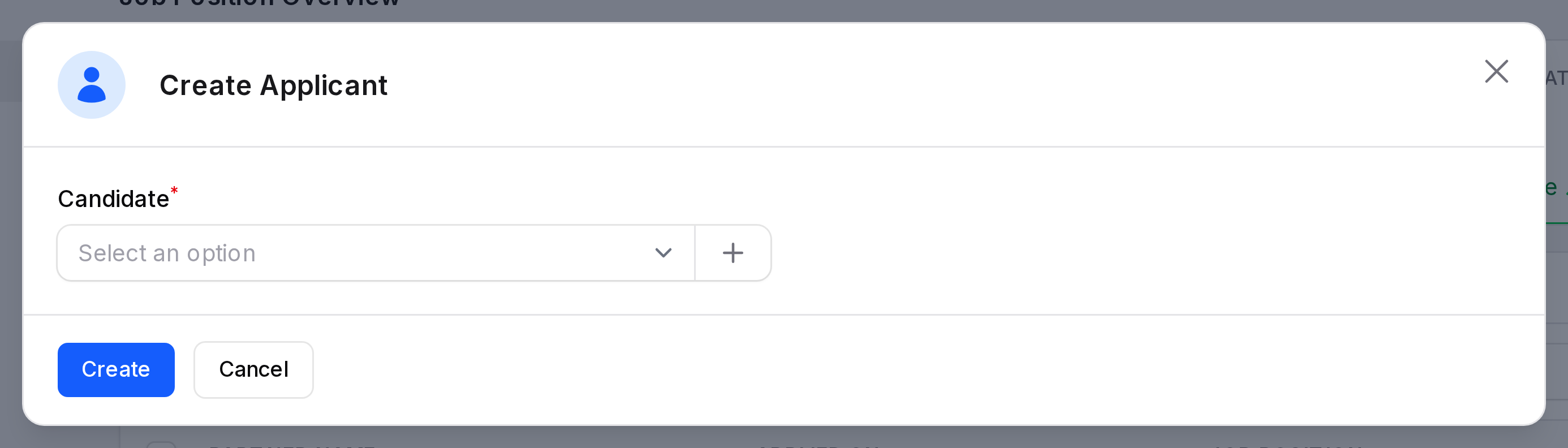
- The Create Applicant window opens. It has one field, Candidate, with a + button beside it. Open the list and look for Rahul Verma. He is not there, so click the + button.
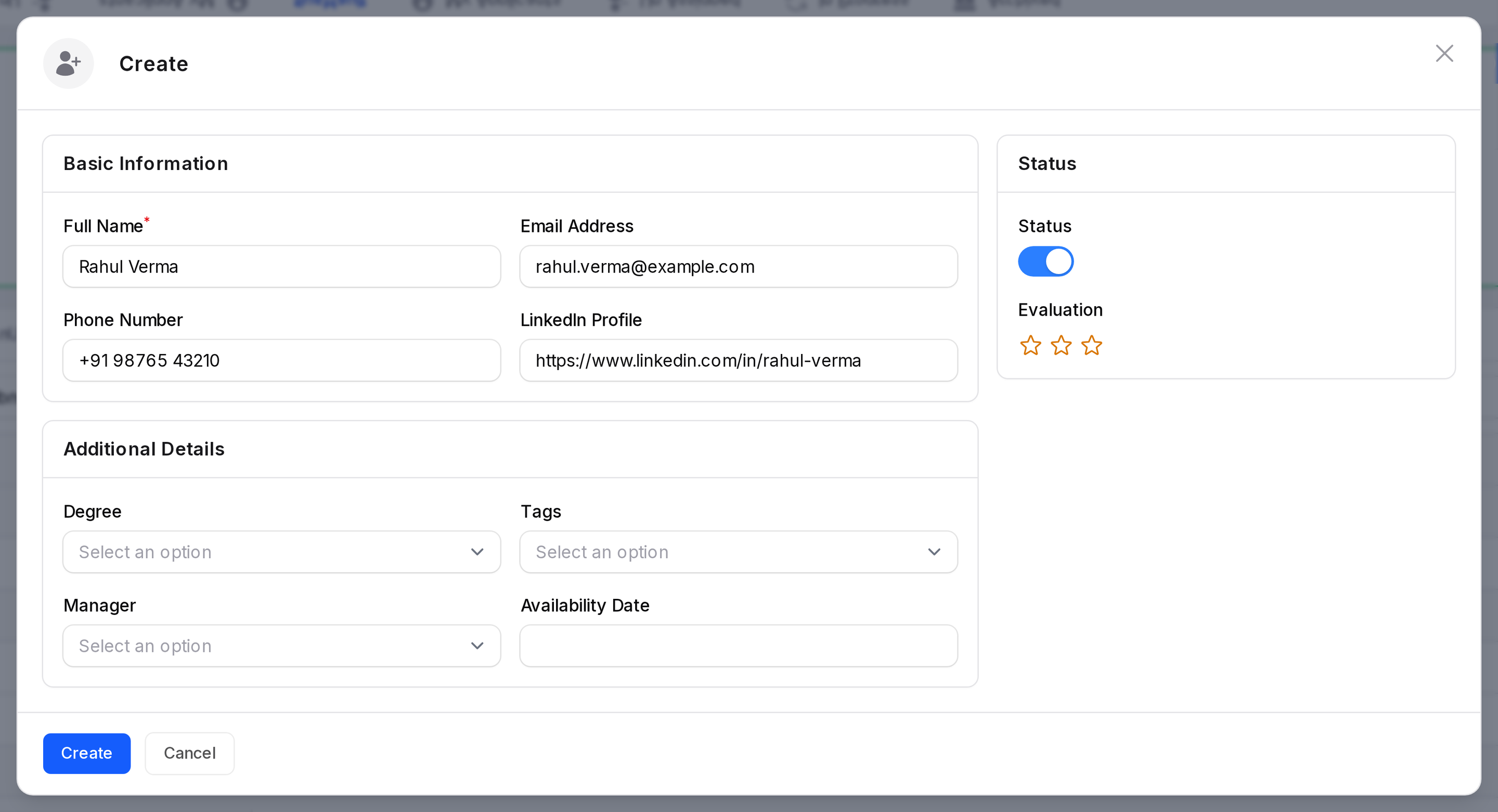
- The candidate form opens in a large window. Fill in:
- Full Name:
Rahul Verma - Email Address:
rahul.verma@example.com - Phone Number: a phone number.
- Full Name:
- Click Create in the candidate form. Back in the Create Applicant window, choose Rahul Verma in the Candidate field.
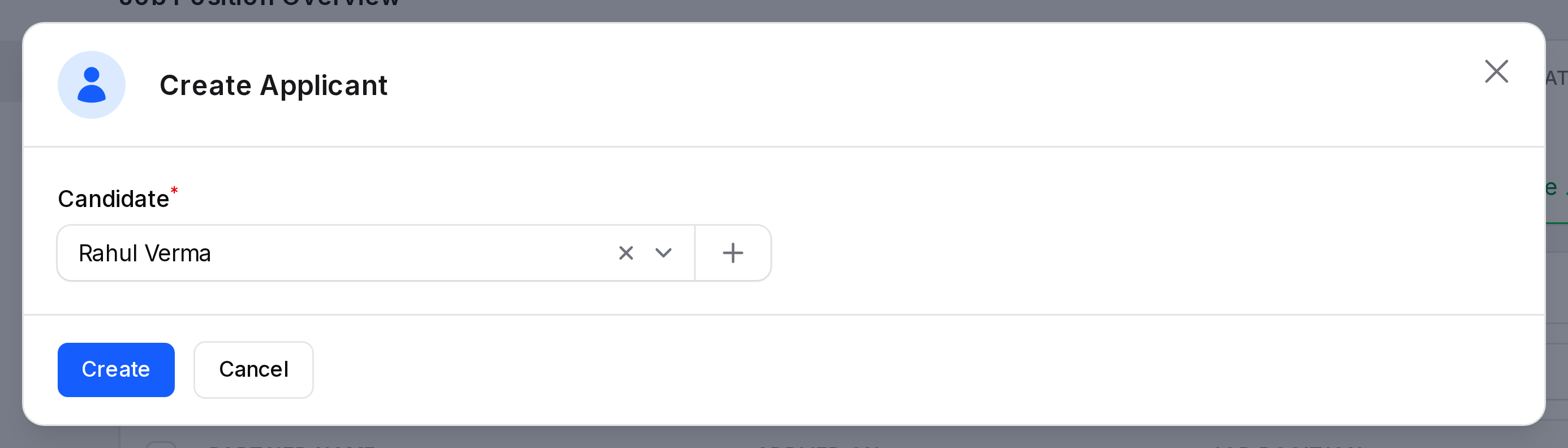
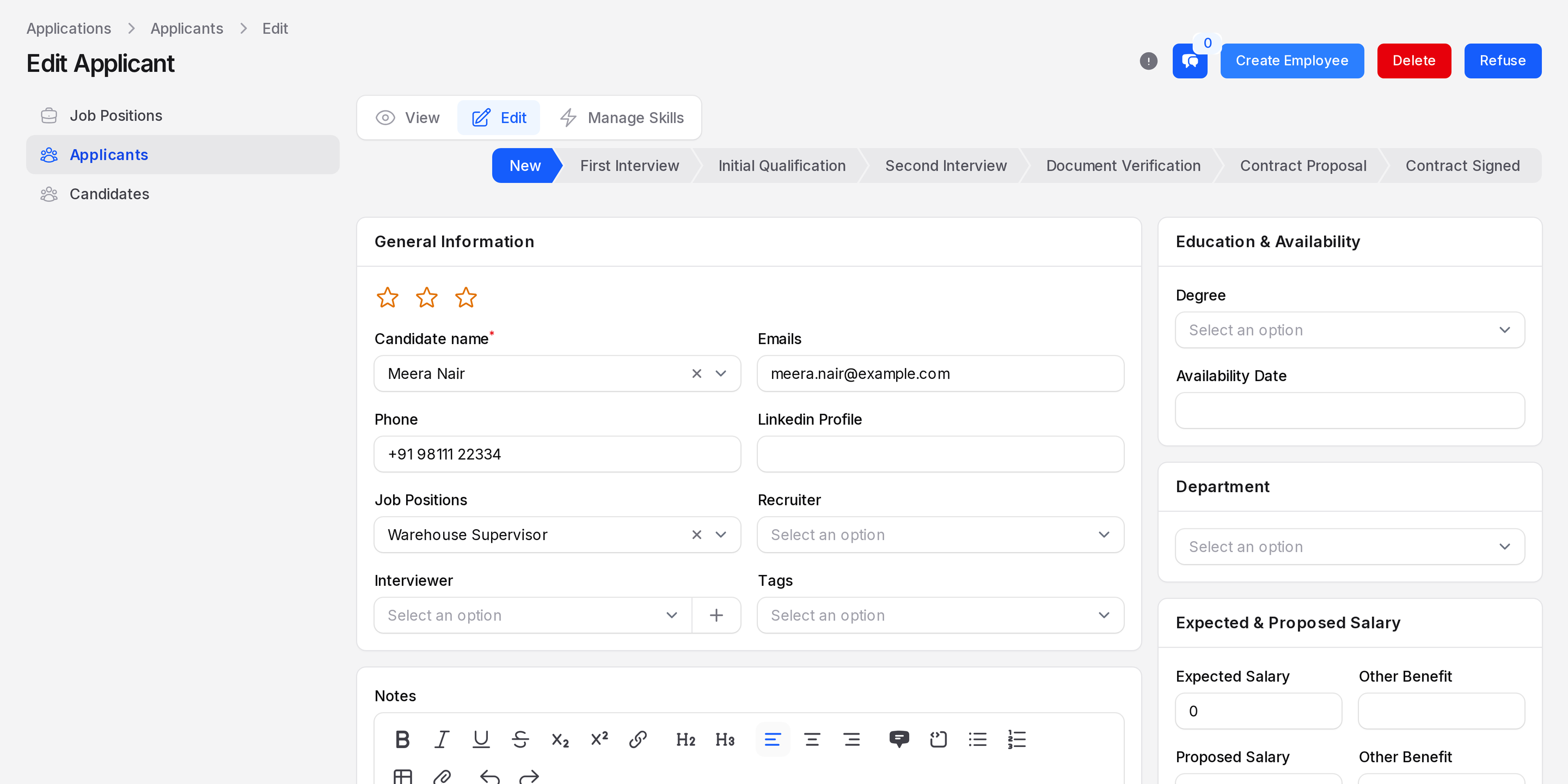
- Click Create. Aureus opens the Edit Applicant page. Continue with Process an applicant to choose the job position and the recruiter.
Fields
- Candidate: Required. Choose an existing candidate from the list, or click the + button to create one. The candidate form is described in Candidates.
Everything else lives on the applicant page. Fill in next:
- The job position.
- The recruiter and interviewers.
- Tags, salary, source and medium.
TIP
Search the candidate list before you create a new one. One person should have one candidate record.