

Sources and mediums
Sources and mediums tell you where an applicant came from. A source is the place, such as LinkedIn or Referral. A medium is the channel used to reach you, such as Email or Phone. Tracking both shows which hiring channels work best.
In simple words: Source is where the applicant found you. Medium is how they reached you.
Open Recruitments → Configuration → Sources or Recruitments → Configuration → Mediums.
Prerequisite
None. Both lists come with sample data.
Sources
The list has one column, Name. Sample sources are Search engine, Lead Recall, Newsletter, Facebook, X, LinkedIn, Monster, Glassdoor, Craigslist and Referral.
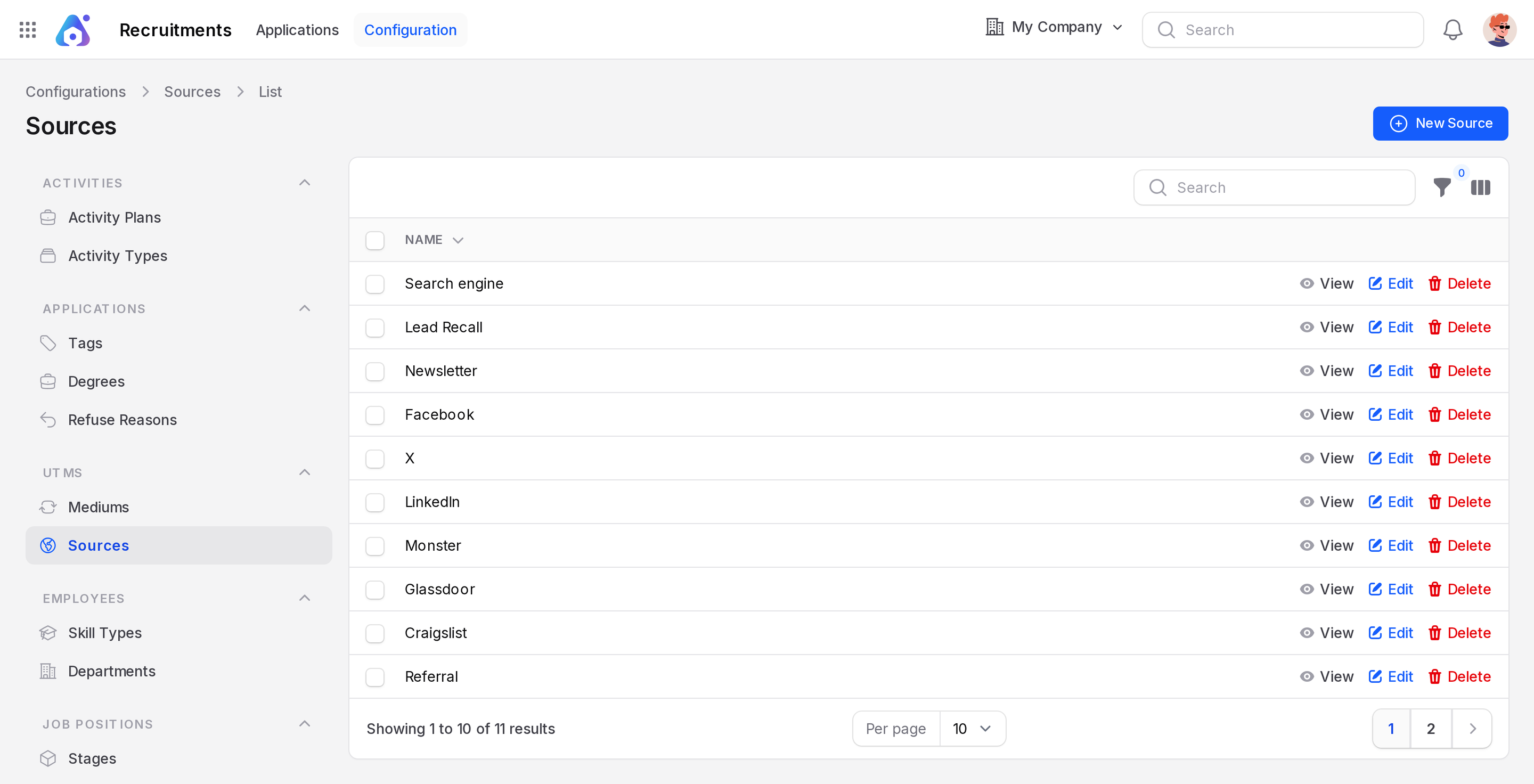
Create a source
- Open
Recruitments → Configuration → Sources. - Click New Source. A Create Sources window opens.
- Type Job Fair in Name.
- Click Create.
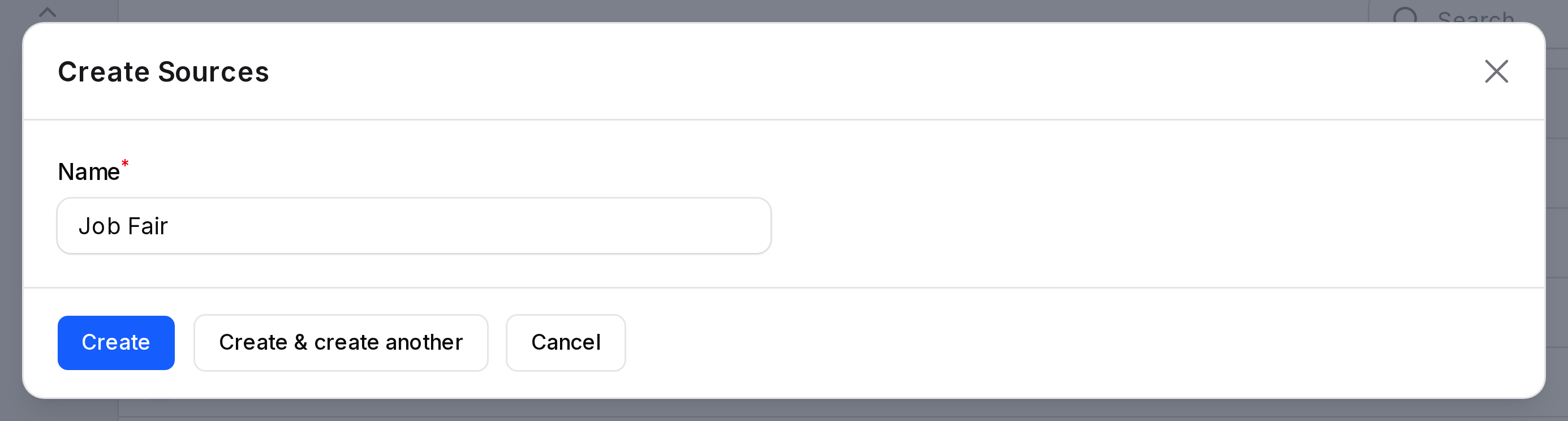
- Name: (required) the source label.
Mediums
Sample mediums are Phone, Direct, Email, Banner, X, Facebook, LinkedIn, Television, Google and Referral.
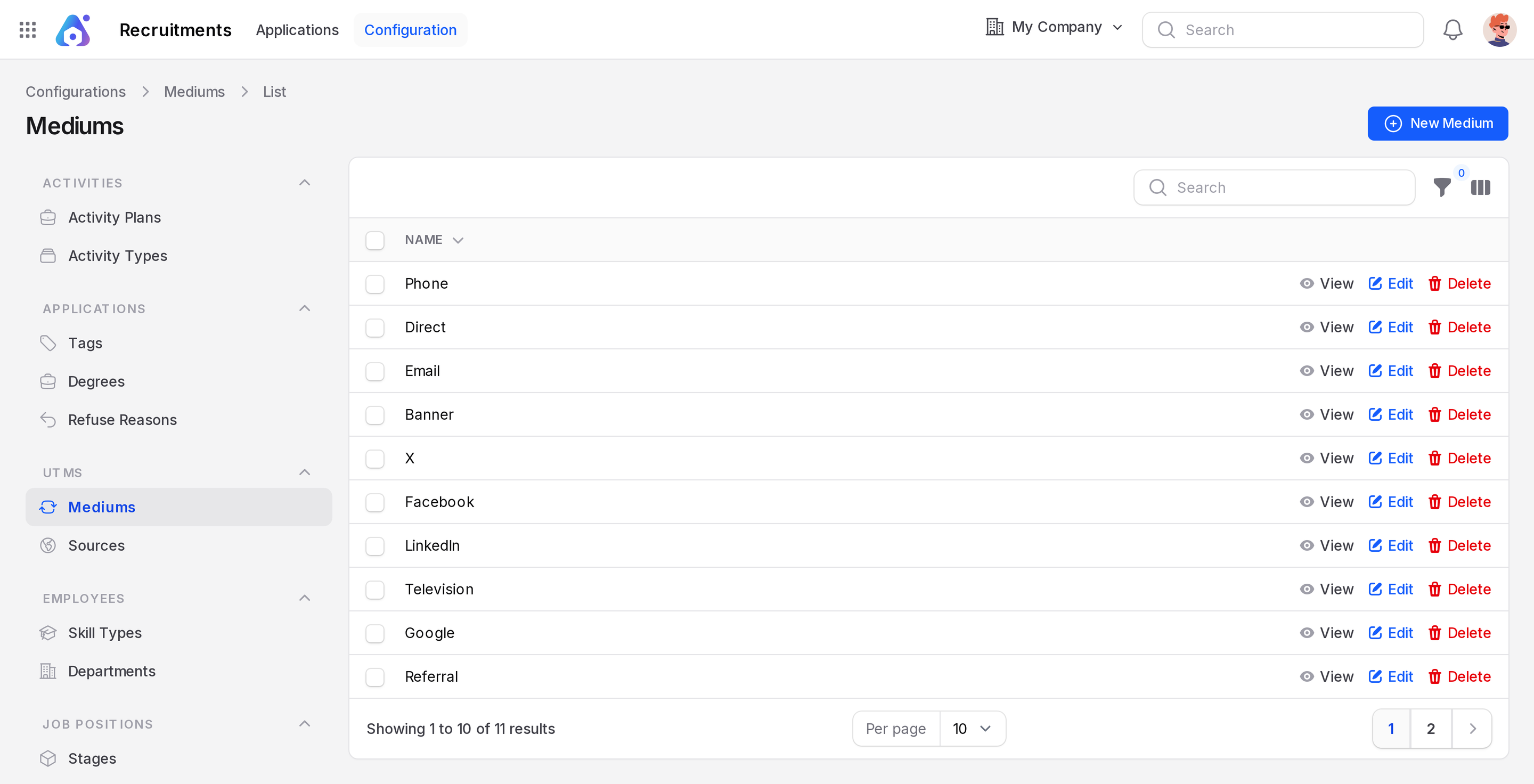
Create a medium
- Open
Recruitments → Configuration → Mediums. - Click New Medium. A Create Mediums window opens.
- Type Walk-in in Name.
- Click Create.
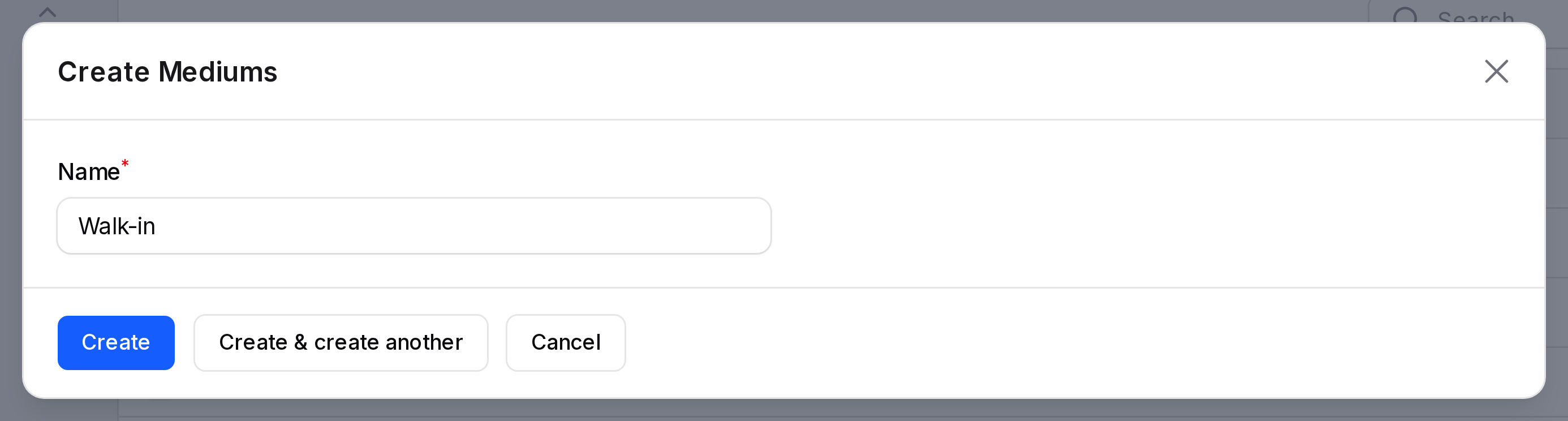
- Name: (required) the medium label.
Where they are used
The applicant form has a Source & Medium section with a Source field and a Medium field. Pick one value from each. For Rahul Verma, you could choose Referral as the source and Email as the medium.
INFO
Sources and mediums are shared records. Other apps that track campaigns read the same lists.