

Two-step manufacturing
Two-step manufacturing adds a pick step before production. A storekeeper first moves the components from stock to a staging area. Production then starts from that area. You get a clear record of what left the shelves and when.
In simple words: Pick the parts first, then build. The pick is its own document.
Settings
The Manufacturing radio needs Multi Steps Routes and Locations on in Inventory → Settings → Manage Warehouses. See One-step manufacturing for the full gate.
Choose two steps
- Open
Inventory → Configurations → Warehouse Management → Warehouses. - Click your warehouse, then the Edit tab.
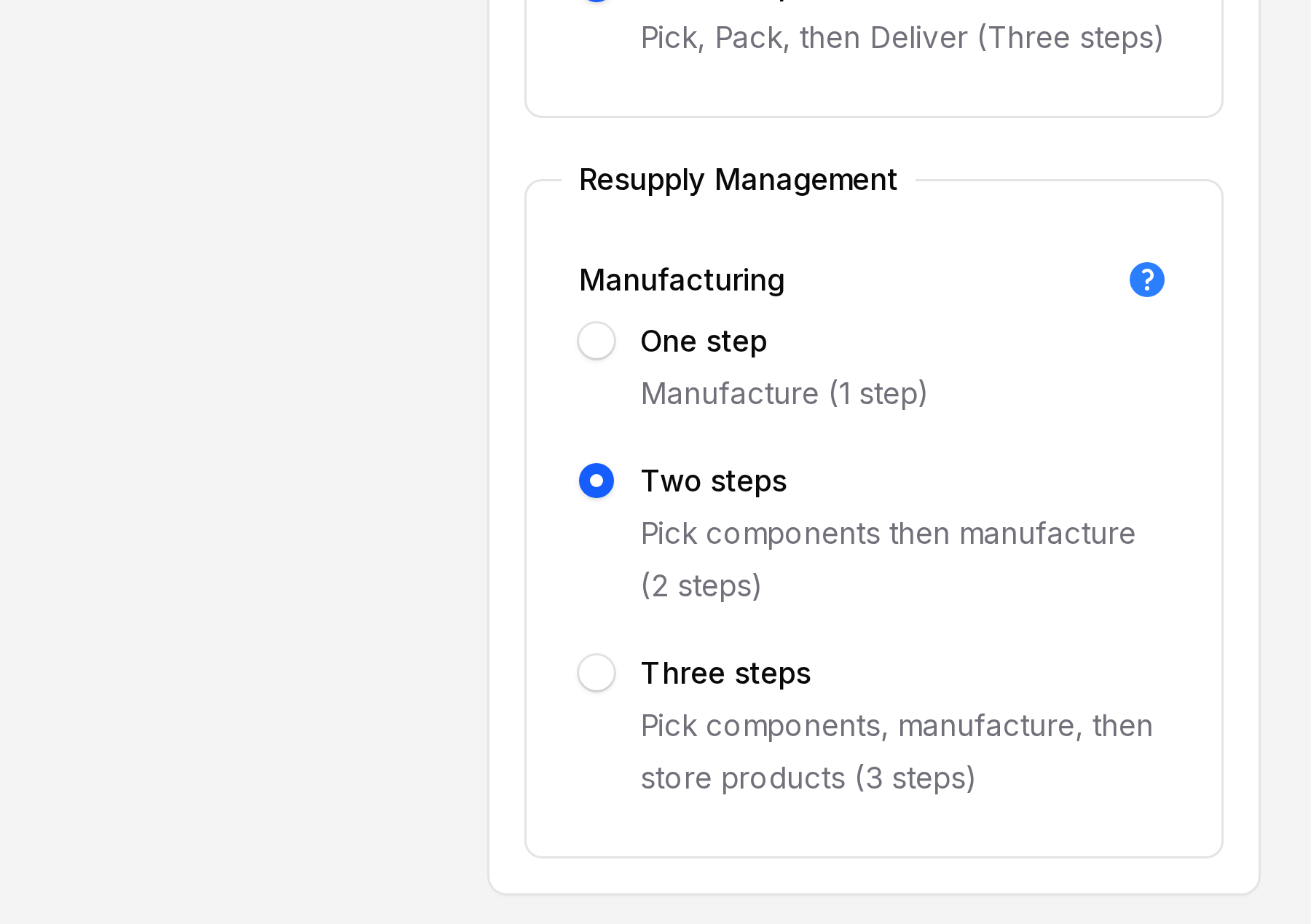
- In Resupply Management, select Pick components then manufacture (2 steps) in the Manufacturing radio.
- Click Save changes.
INFO
The warehouse now has the location Pre-Production and the operation type Pick Components (prefix PC). See Locations and Operation types.
How the stock moves
Stock ──► Pre-Production ──► Production ──► Stock
  pick transfer (WH/PC)   manufacture    finished product
The pick transfer moves components from Stock to Pre-Production. The manufacturing order then consumes them from Pre-Production. The finished product goes straight to Stock.
Walk through a manufacturing order
This is the same order as in One-step manufacturing: MO/2, Business Laptop, 2 units.
- Open
Manufacturing → Operations → Manufacturing Ordersand create the order. - Click Confirm. The state becomes Confirmed.
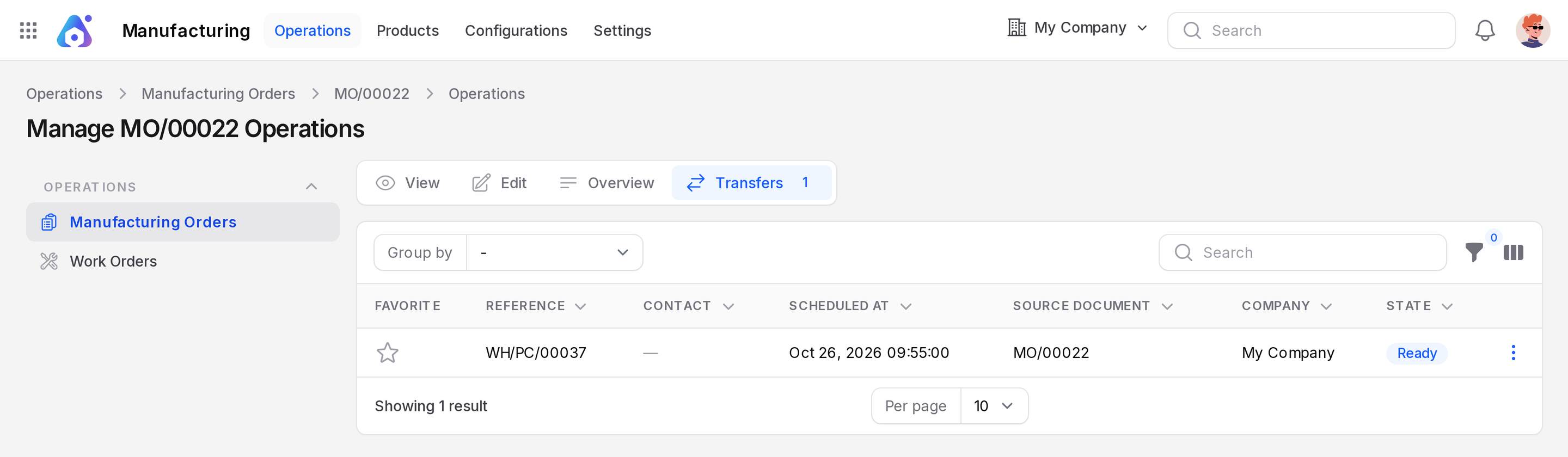
- Open the Transfers sub page. A transfer such as WH/PC/16 appears with the state Ready.
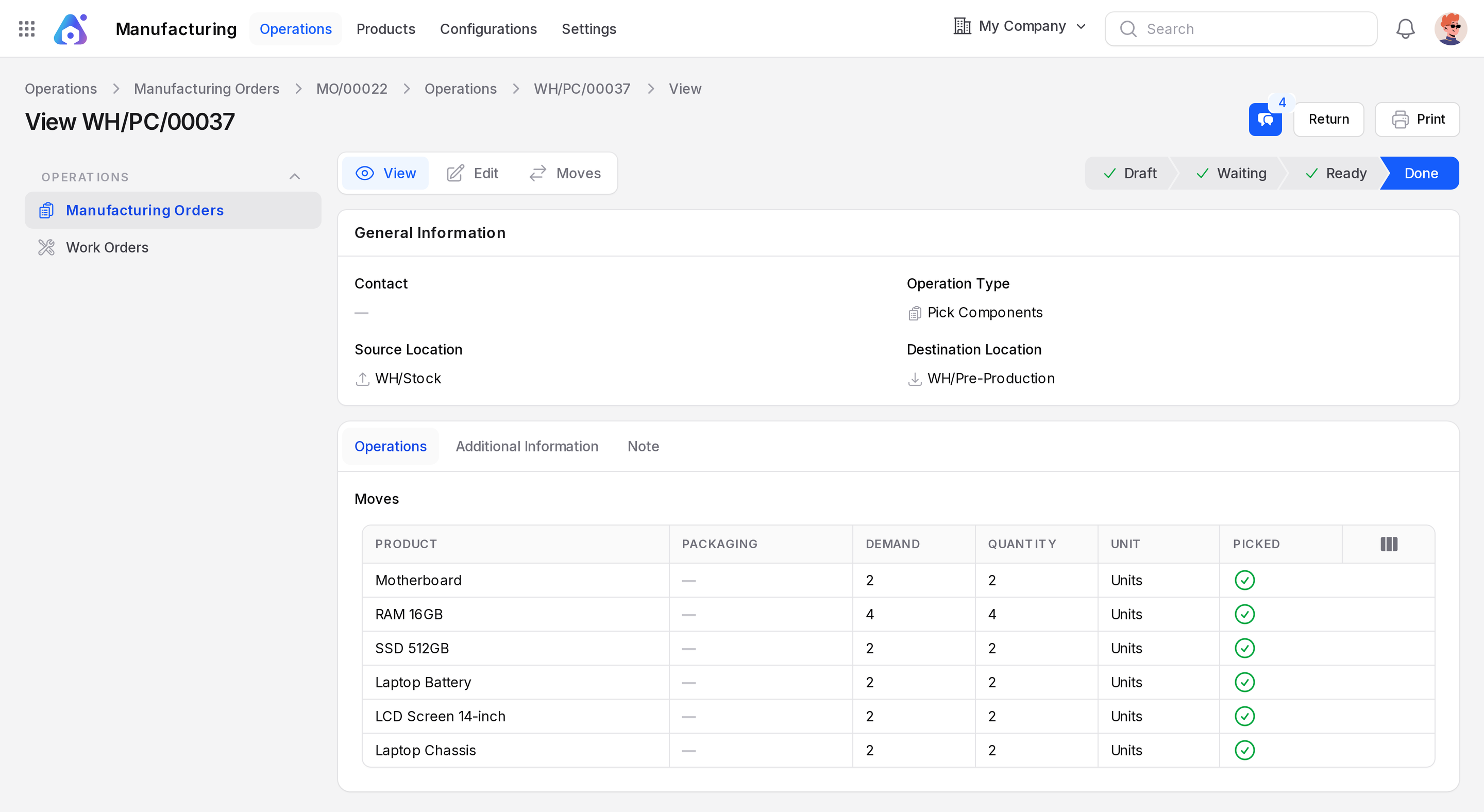
- Open the transfer and click Validate. The components move to Pre-Production.
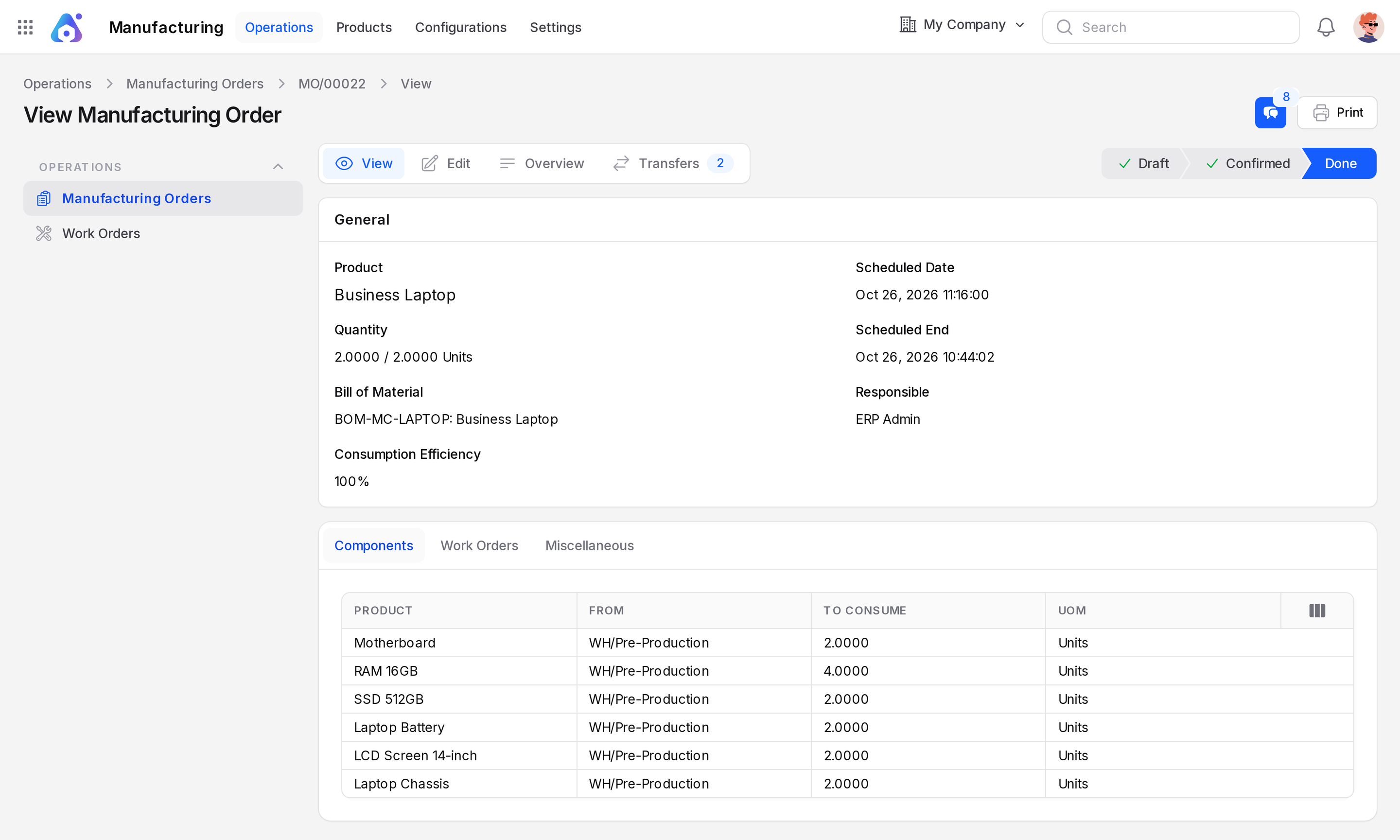
- Back on the order, click Produce All. The state becomes Done.
Actions and statuses
| Moment | What happens |
|---|---|
| Confirm | Creates the pick transfer WH/PC/…, state Ready. |
| Validate (pick) | Components move Stock to Pre-Production. |
| Produce All | Components are consumed from Pre-Production. Finished product enters Stock. |
WARNING
Validate the pick transfer before you produce. Until then the components are not at the production area.