

Default accounts
Some accounts are needed in many places: where to book a currency gain, where to park money in transit, which account a new product sells into. The Manage Default Accounts page lets you choose these once. Aureus then fills them in for you.
In simple words: Pick the standard account for each situation. You will not have to pick it again each time.
Open the page
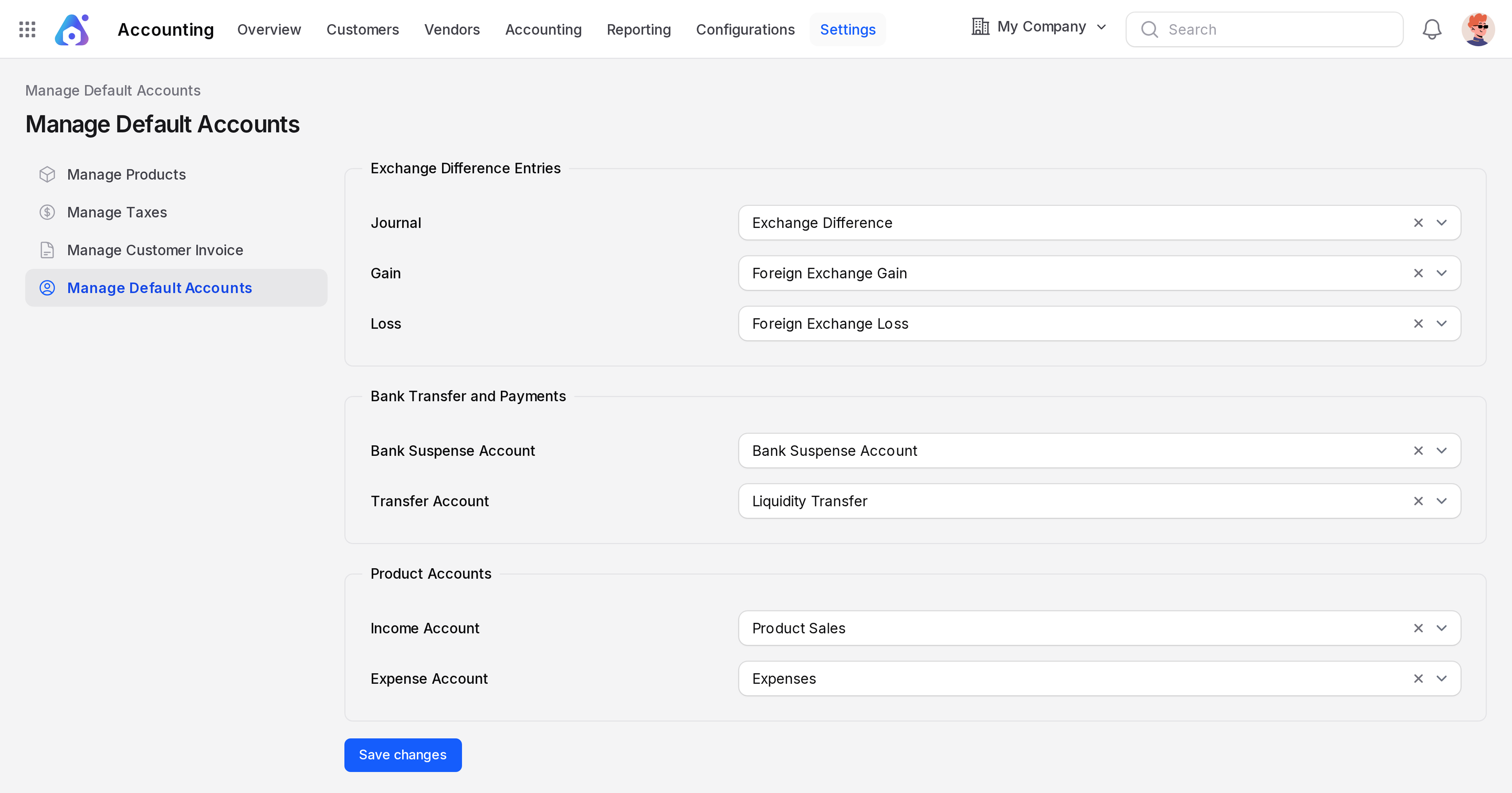
Go to Accounting → Settings → Manage Default Accounts. This page exists only in the Accounting app. If it shows only a warning box, run Set up accounting first.
Update the defaults
- Open
Accounting → Settings → Manage Default Accounts. - Choose an account or journal in each field.
- Click Save changes.
Only accounts that are not deprecated are listed.
Exchange Difference Entries
Used when you receive or pay in a foreign currency and the exchange rate has moved. See Foreign currencies.
- Journal: The journal that holds the exchange difference entries. The sample company uses Exchange Difference.
- Gain: An Income or Other Income account for gains. Sample: Foreign Exchange Gain.
- Loss: An expense account (Expenses, Depreciation or Cost of Revenue) for losses. Sample: Foreign Exchange Loss.
When a payment is matched to an invoice and a difference is left, Aureus posts an entry in this journal. If the journal or the accounts are empty, the match fails with an error. Fill them in before you work in foreign currencies.
Bank Transfer and Payments
- Bank Suspense Account: A current asset or current liability account. Aureus uses it as the suspense account of a bank, cash or credit card journal that has none of its own. Sample: Bank Suspense Account.
- Transfer Account: A current asset account that allows reconcile. It holds money moving between your own bank and cash journals. Sample: Liquidity Transfer.
Product Accounts
- Income Account: The account new products sell into. Sample: Product Sales.
- Expense Account: The account new products are bought into. Sample: Expenses.
These two accounts appear as the starting value in the account fields of a new product and a new product category. You can still change them per product or per category. See Manage products.
INFO
Receivable, payable, bank and cash types, credit card and off balance accounts are not offered as product accounts.
TIP
Settings are kept per company. If you work with several companies, check the page in each one.